Wednesday, November 11, 2020

Using Social Media to Make a Positive Impact

 Your parents and teachers (including me!) are often trying to educate you about the problems and safety issues surrounding social media.  That it’s addictive, that some platforms are inappropriate, that it is full of ill-intentioned strangers.  There is of course some truth to some of this, but there is also a bright and shiny flip side.  There are a lot of positives that come from our ability to connect with friends and strangers around the world.  Today’s lesson is about how we can use social media to make a positive impact.   

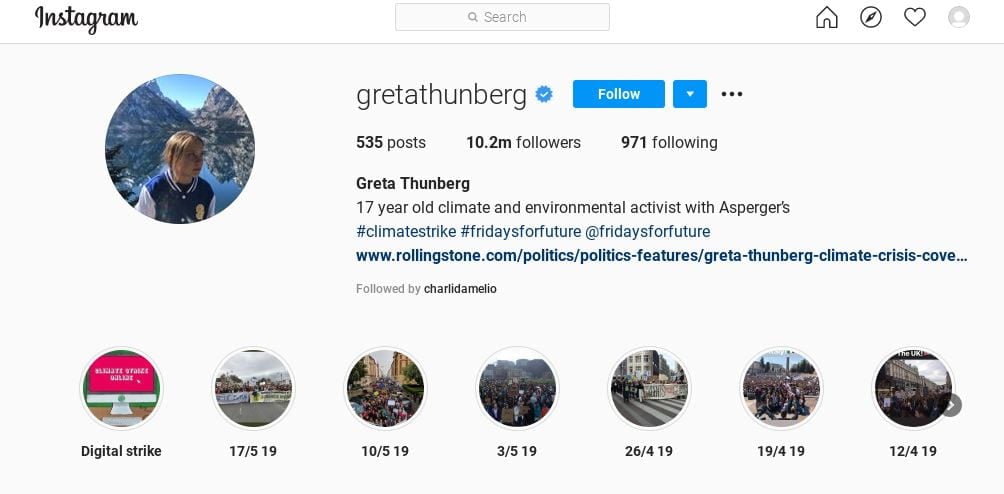
Greta Thunberg is an example of someone who has used social media to spread the word about climate change.  She has 4.1 million followers on Twitter and 10.2 million followers on Instagram. She uses these platforms to raise awareness and as a call to action in all of the cities and towns she visits.
We are going to look at some of the platforms people are using online to help make change in the world.  I am going to use the example of environmental issues for this lesson as that is a topic that many of you have expressed is a big concern.

Instagram

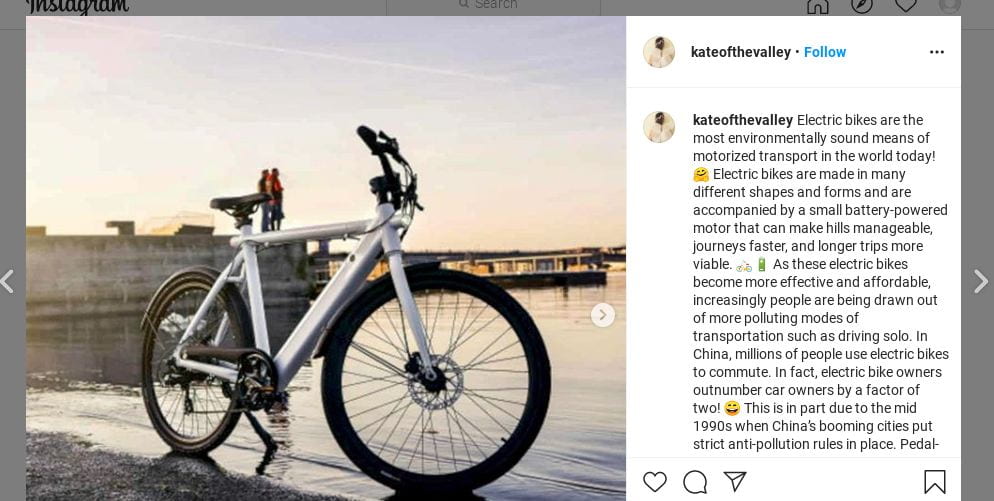
You can post photos on Instagram relating to an environmental issue that is affecting your community.  Maybe it’s a photo of a pond near your house that’s full of garbage and needs to be cleaned up. Maybe it’s a photo of an amazing vegan meal you made.  Maybe it’s a photo of a wild storm that is directly related to climate change. Whatever it is, share some information with the photo so that people who see it can take action in some way.  Even if that means sharing a recipe! Use hashtags too. https://www.instagram.com/explore/tags/environment/
Tik Tok

You can even make Tik Tok videos that spread the word! 

@lycheebee##vegan hawaiian inspired mac salad ##food ##recipe ##yummy ##foryou ##foryoupage♬ original sound – aniggawitadik

Twitter

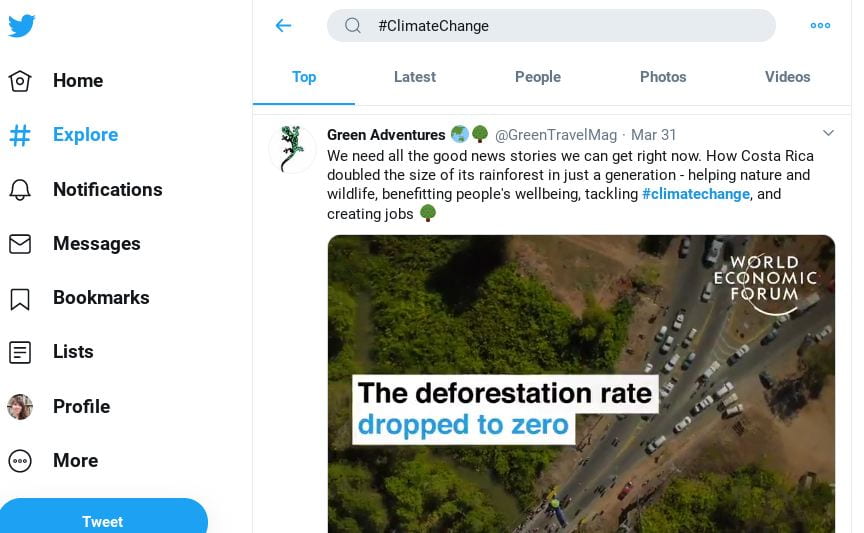
Twitter is a great place to tweet about these issues or retweet important articles.  Also, be sure and follow organizations connected to the causes that are important to you. 

https://twitter.com/search?q=%23ClimateChange&src=typeahead_click
YouTube

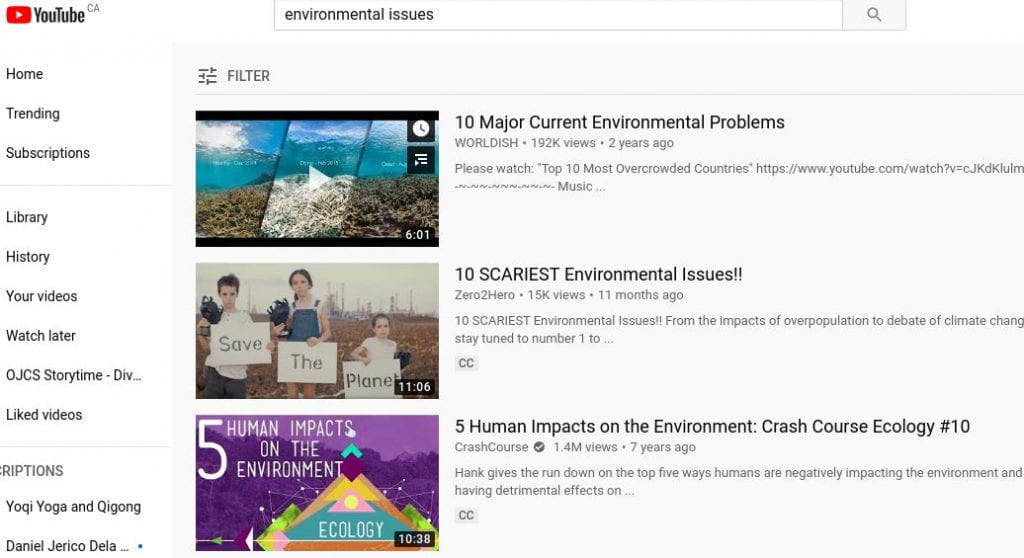
You can produce your own short youtube videos that educate others about issues that concern you!
Blog

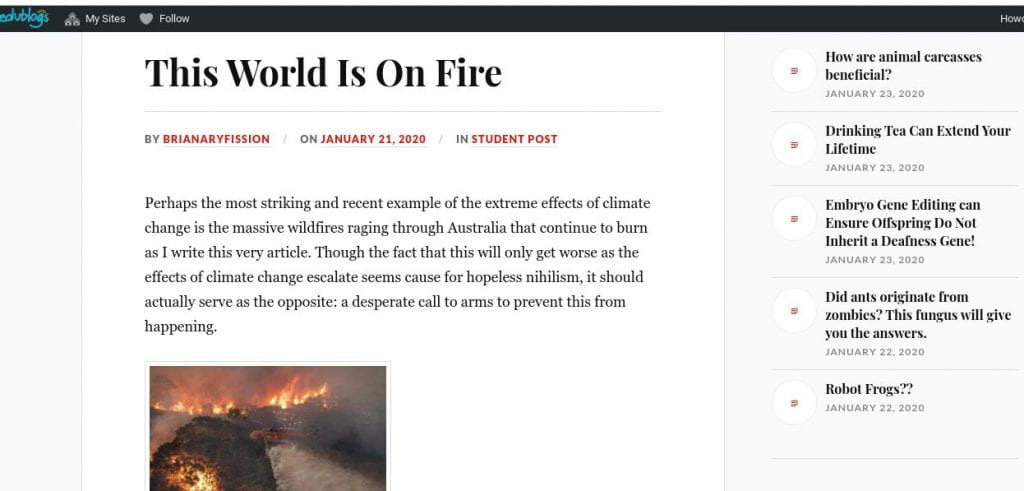
Write a blog post about it! 

http://jnewbio.edublogs.org/tag/climate-change/
Activity: Idea Generation and Post Creation

Feeling like we are making a difference is very empowering.  Create a post that can contribute to educating others about any issue that is important to YOU.  Highlight an issue you’d like to address in a post and choose the platform you’d like to use that you have an existing account for.  If you are not on social media or are not old enough to create an account, this could be a personal blog post or just an image you can share out that includes a caption.  This can be done now or over the course of the next two weeks.  Make sure to do some research and get your facts straight so that you are not posting any misinformation.  If you are able to share it with me or screenshot it and email it to me I’d love to include them on this page.  b.ruel@theojcs.ca

News Made Just For Kids!

 Even though you are a kid, you can be exposed to a lot of serious and scary world news through social media, overhearing parents watching television or listening to the radio, or even listening in on adult conversations that aren’t intended for you.   Hearing bad news can cause us to feel a lot of fear and anxiety.  Sometimes you will want to share bad news with your friends even if you haven’t fully understood it.  This can cause something called MISINFORMATION, which is when news is shared that isn’t factually correct.  It is important that we get our facts straight before we start spreading news around!

There are many current events and news websites available online for kids in which news articles are written sensitively and clearly so that you can understand it.  It is news made just for kids and can help you to know what is happening in the world right now.

Here is a list of kid-friendly sites.  Take a quick peek at them now to see what they are like.  And feel free to visit them whenever you want to know more about what’s happening in the world.


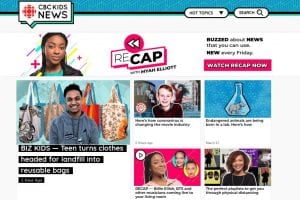
www.cbc.ca/kidsnews/


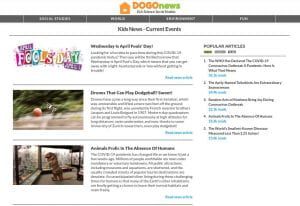
https://www.dogonews.com/


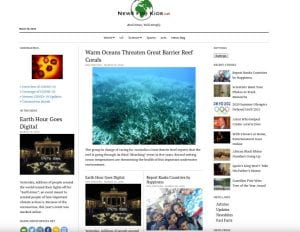
https://newsforkids.net/


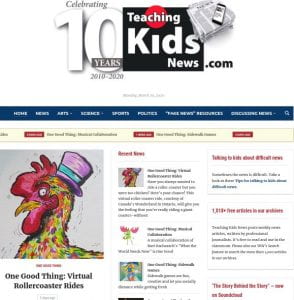
https://teachingkidsnews.com/


Here is a video by another school librarian, Marina, reading a book about news called On The News – Our First Talk About Tragedy by Dr. Jilian Roberts.  This book will help you to understand more about the news and talks about some feelings connected to hearing about bad things in the news, and how we can cope with those feelings.  Click on the video link and then click ‘watch it on youtube’.  You can’t watch it on this page.

In the comments on this page, let me know what kids news website you liked the best.  Also let me know what you thought about the book On The News.

OJCS Storytime – The Week of March 30th


Marcel The Shell – The Most Surprised I’ve Ever Been

by Jenny Slate and Dean Fleisher-Camp


This week’s activity is to make your own Marcel!!

You will need…

  • A shell or a rock
  • Googly eyes (or make your own out of paper and marker)
  • Small decorations for your shell or rock that you make or find around the house (mini clothes, mini shoes)
  • Any kind of bread for a bed!
  • Glue (hot glue works best but only under supervision!)

Glue the googly eyes onto your shell or rock and decorate in any way you can imagine.  Feel free to share pics with me at b.ruel@theojcs.ca and I can post them up!
If you want more Marcel, here are some hilarious and adorable videos…


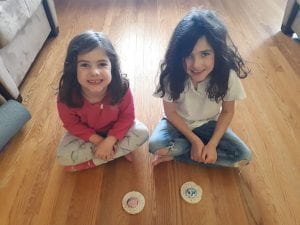
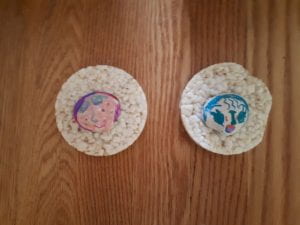
Sophia and Ayla’s shells


Sophia’s shell… it looks like a Marcy instead of a Marcel! So cute!

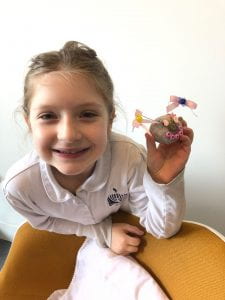
Joseph’s shell


Media Balance and Keeping Your Focus

 For this lesson you are playing a short online game.  You will need to play on a laptop or computer.  It won’t work on a tablet or device.  So if that isn’t possible, just read through the rest of this post.

Play the Twalkers Game: Click Here!

This game teaches us when is the right time to be on your phone or device and when it isn’t.  Most often, too many things happening at once is incredibly distracting and can throw you off your focus and balance.

Think about how the game made you feel.  Was it a bit too much like your actual life right now?  Were you overwhelmed?  Was it difficult to play well and accomplish the required tasks when you were distracted?

I think many of us experience this feeling of overwhelm when we are trying to do too many things at once.  It is important to remember to prioritize and stay calm in the face of all that is thrown at us!  This video will offer you helpful advice on how to manage your time and keep focused.  Once you’ve watched it, I want you to post a comment on this page explaining at least one strategy from the video you will use to help you stay on track.  

What is Advertising?

Take a minute and write down a list of 5 things you’d like to get for your birthday.

Is your list done?  Good!

Now read over your list and ask yourself… how do I know about these things?  Did I find out about them from a commercial that played before a video I watched on YouTube?  Did a YouTuber I like play with one of them on a video?  Did I see it in a magazine?  A catalogue?  Did I see poster of it somewhere?  Did I read about it online?  Or while I was playing a video game?  All of these places are places we see ads, which is short for the word advertising.  Advertising is any kind message that is designed to sell you something or make you want to buy something or ask your parents to buy you something.  It is important that we learn how to identify what is an ad because we want to be the ones to decide what we need or want.  We don’t want other people putting those ideas in our heads for us!

When companies create advertisements, they often try to link what they are selling with happy feelings or amazing powers or abilities.  So even though I know in my head that eating a cheese string won’t help me defeat a dragon, the commercial shows a child doing just that.  So now we all think that eating cheese strings will make us strong, even if that isn’t the truth.

Much of the time, an ad is a commercial that plays before a video.  Here are examples of commercials that try to make you want to get junk food.  We all know junk food isn’t good for us, but you’d never know it watching these commercials!  For each commercial, think about the message that it is telling you about the food.  Is the commercial telling you the food will make you better at sports?  Will lead to adventures?  Will make you popular?  What are the messages?  Are they true?  Can those products do those amazing things?

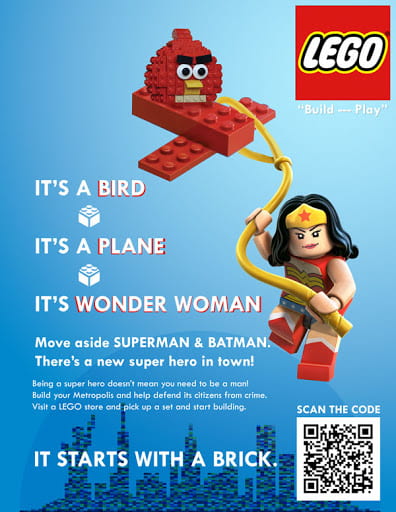
Below is an example of an ad you’d see in a flyer, a magazine, or online.  It is just a static picture with words, but it is also selling us an idea.  The idea here being that playing with lego turns us all into superheroes and leads to amazing adventures!  I’d love to be a superhero but I know that Lego can’t make me into one.

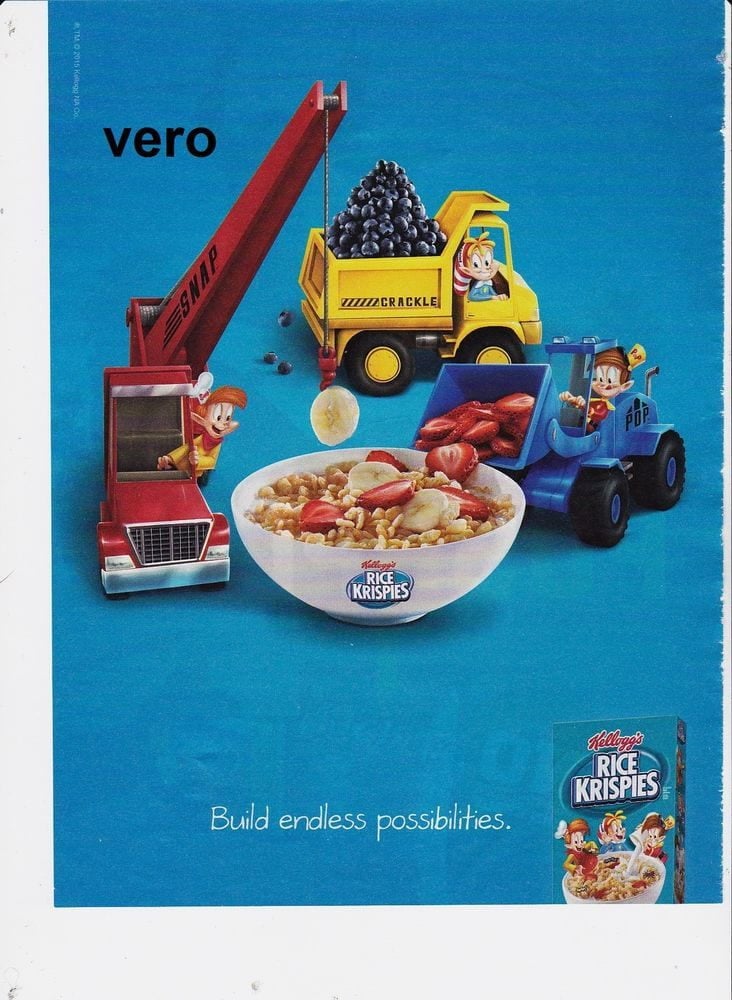
This ad is for Rice Krispies.  It is selling us the idea that Rice Krispies cereal is super fun to play with.  Which it isn’t!  It also making a kid connection to trucks, which kids love.

So here is your task today.  I want you to choose to make your own ad for a product YOU invent.  It could be a toy, a junk food, anything you like.  Draw a picture ad or take a photo ad.  If you are really good at making videos, you could even make a commercial.  Remember, advertisements make big claims about what a product can do or how it can make you feel even when it isn’t true, so use that when you create your ad.  By creating your own ad, you can experience for yourself the kind of tricks companies use to sell their products.

There is no need to submit it to me, but if you know how to email the finished product to me, then you absolutely can and I can post it on this page so that others can see your work.  My email address is b.ruel@theojcs.ca
Have fun!

Become a Fact-Checker – Part 2: A Little Help From My Friends

 Last week we tried a new technique called ‘Lateral Reading’ to help us become better fact-checkers.  This week we are going to learn about various websites that are out there that can help us find out if what we have heard or read is factual or not.

You are going to read the following article and visit 3 of the 10 sites that are listed and take some time to explore them.  Top Ten Sites to Help Students Check Their Facts by Jennifer Snelling.  I want all of our OJCS middle schoolers to become proficient at using these sites.

I have heard that there is a Tic Toc video going around that claims that an asteroid is going to hit Earth next week.  I want you to visit snopes and find out if this is true or not.  I mean, this is a serious claim!  Our lives may be in jeopardy (or not!)

In the comments on this page, I want you to post which three sites you explored as well as what you discovered about this asteroid.

Friday, March 20, 2020

OJCS Storytime - The week of March 23rd

Today I have a special guest... my daughter Eleanor!  We are reading another favourite; 'The Secret Life of Squirrels' by Nancy Rose.  Nancy Rose is a photographer who makes mini rooms and scenes on her back deck and places food in those little sets for squirrels to find and then she snaps a perfect photo when they are in the the right position.  She says it sometimes takes thirty photos to get one good one!

Your activity this week is to ask permission to use a camera, any kind of camera (on a phone, a polaroid, etc...) and to practice taking photos of animals.  These animals can be in your backyard or your own pets.  Notice how tricky it is to photograph them while they are moving!  If you get one you'd like to share, your parents can email them to b.ruel@theojcs.ca and I will post them on this page!  Have fun!

Online Sharing Safety Game - Share Jumper

Lower School Digital Citizenship Lesson Week of March 16th

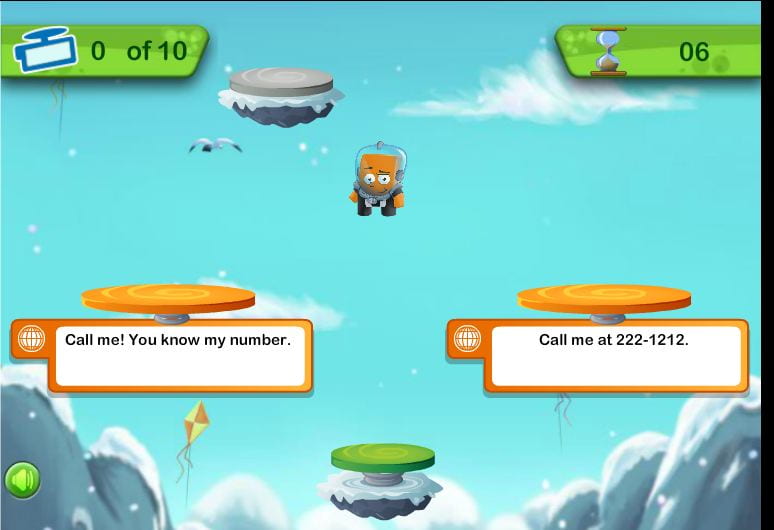
Everyone enjoys connecting with others online (especially when we are all stuck at home!)  This game is perfect for all of us right now because in a simple and clear way, it explains what kinds of information is okay to share online and what kind of information isn't.  The only way to get your jumper higher and higher is to make the right choices about what is okay to post online.  If you make a wrong choice you get sent back down!


Make sure you read each question carefully.  It will help you to make the correct choices.  THIS GAME IS NOT COMPATIBLE WITH IPADS OR OTHER TOUCH SCREENS.
Now have fun!!

Click here to play: Share Jumper Game

For anyone who might struggle with the game, watch 'We the Digital Citizens' for a refresher on online safety!

Become a Fact-Checker... Part 1: Reading Laterally

There is a constant stream of misinformation and disinformation out there about a lot of world news and this is especially true about the Coronavirus.  Misinformation is false or inaccurate information that is often posted deliberately to deceive.  Disinformation is false information put out through certain politicians or governments to deliberately deceive.  Unfortunately, both misinformation and disinformation are frequently accepted as truth and widely shared by people who have believed what they've read without looking further afield for confirmation of the information.  As the false information spreads, it causes a lot of very confused ideas and can even wrongly influence public opinion.  It is in itself very much like a virus that spreads and infects the mind.

By becoming a fact-checker you can help stop the spread of the disease of misinformation!  The first step to becoming a fact-checker is to use your head!  Critical thinking is an essential skill of the fact-checker.  If something doesn't sound right to you, it very often isn't.  That feeling that something you've read is off should be the first indicator that you need to research further.  Researching outside of the suspected piece of information is called 'Lateral Reading'.

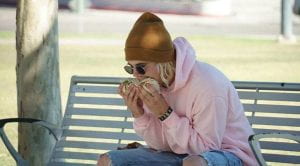
To read laterally, the first thing you can do is use Google or another trusted search engine to search for information about your source or the author of the information.  Searching about your source can often reveal within seconds if the source is trustworthy or not.  But when it comes to social media, often the person responsible for posting is just a regular person and there won't be information available about that person online.  So the second way you can read laterally is to search for more articles about the information you suspect to be false.  So when someone told me that Justin Bieber was so dumb he didn't know how to eat a burrito properly and was photographed eating it sideways, I thought, hmmmm, that doesn't sound right to me.  I typed Justin Bieber Burrito into the Google search bar, and the first article was about how the photo was a hoax.

Another example of this is that I received an email suggesting that I stay away from spicy food to avoid the Coronavirus.  I immediately thought that sounded wrong and did a quick Google search Coronavirus Spicy Food.  The first article was about how that information was completely false.

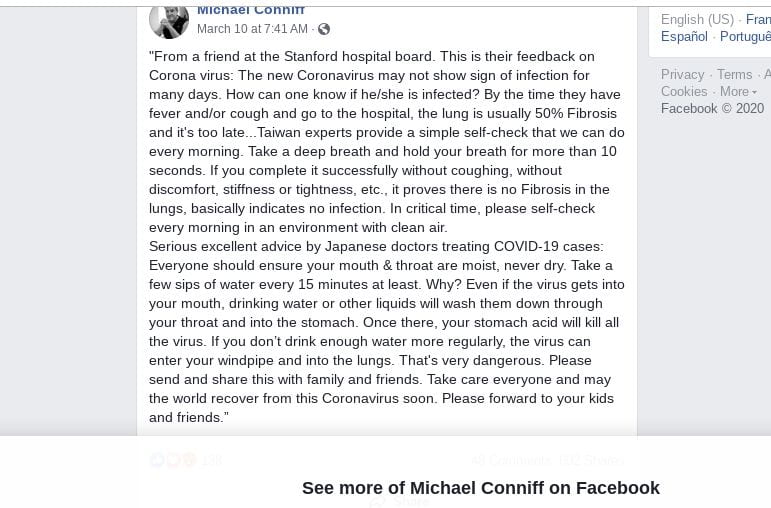
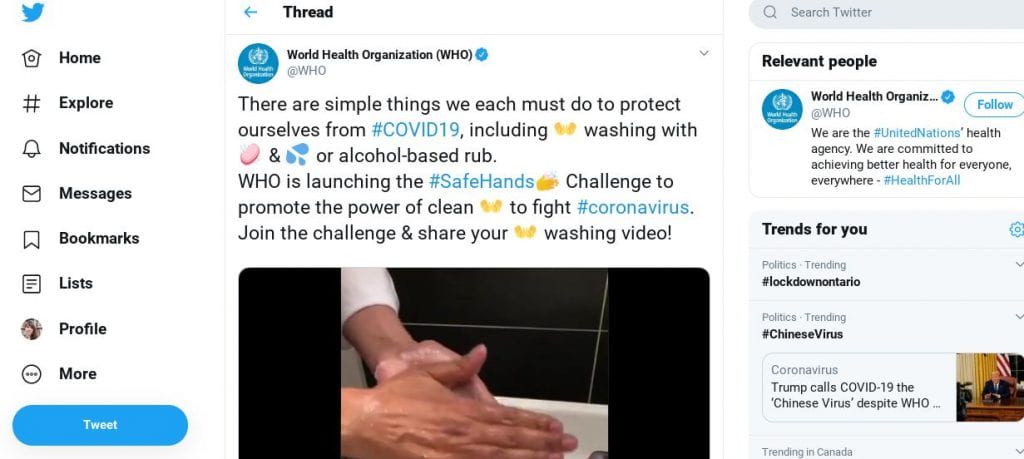
So now is your opportunity to try lateral reading.  Here are three social media posts that are either misinformation or are real information.

Step 1: Look at all of these social media posts.  Which ones immediately seem off to you and why?  Which one do you immediately trust and why?
Step 2: Do some lateral reading.  How long did it take you to determine how true or false this information was?
Step 3: Answer step 1 and 2 questions as a brief comment on this blog post page.
Step 4: Teach your parents and grandparents how to do this too!  That way we can all fight the virus of misinformation!

Post #1 - From the account of Facebook user Michael Conniff


Post #2 from the Twitter verified (blue checkmark) World Health Organization account


Post #3 from Twitter, user Allison Pearson

OJCS Storytime - Week of March 16th

Welcome to the OJCS Storytime!  I hope everyone enjoys this beautiful book and the suggested activity!

To make a tent at home, drape big blankets over tall objects (like the side of your couches and tables).  Fill it with pillows.  Decorate inside and out.  Eat snacks and read books in there!  And be sure and bring your own Pip (favourite stuffie or doll) into your tent and have lots of Lulu & Pip adventures.


Books on Inclusivity for JDAIM Month

The month of February is JDAIM- Jewish Disability Awareness and Inclusion Month.  The right book can really help foster more awareness and kindness in our students.  I have created a book bin with books on this topic for reading buddies that you can find at any time in the library.  I have also created a short list of some of our most on-point titles;


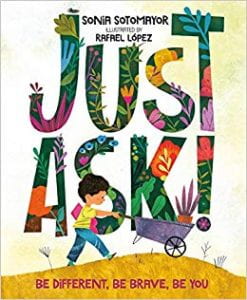
Just Ask! by Sonia Sotomayor.  This lovely book covers various kinds of differences and how every individual has so much to share.


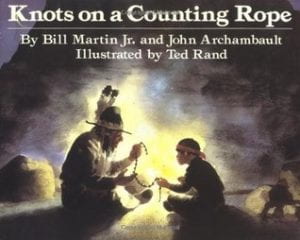
Knots on a Counting Rope by Bill Martin and John Archambault.  A beautifully poetic book about a blind child developing confidence in his own abilities.


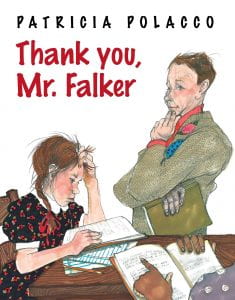
Thank you, Mr. Falker by Patricia Polacco.  Patricia Polacco has to be one of my all time favourite children's authors.  She has so many titles that deal with themes of children struggling because they are different and then finding the support they deserve in their teachers and friends.  It is about how much each child is capable of, no matter what the obstacle may be at first.  In this book, our protagonist struggles with dyslexia but with the support of a compassionate teacher is able to learn to read.


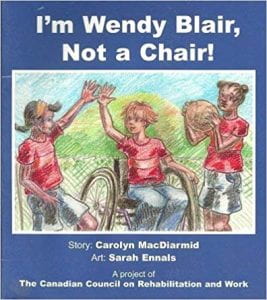
I'm Wendy Blair, Not a Chair! by Carolyn MacDiarmid.  This book is about not letting your disability hold you back.  This was written and published by The Canadian Council on Rehabilitation and Work.


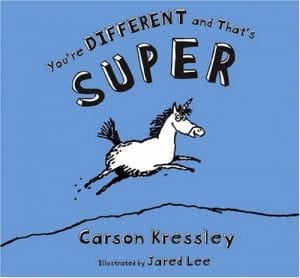
You're Different and That's Super by Carson Kressley.  This book was written by one of the original Queer Eye crew and is a hilarious and adorable book about how special it is to be different.  A storytime favourite.


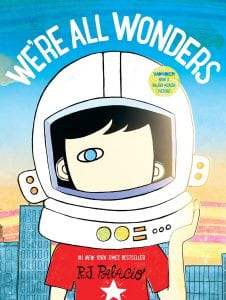
We're All Wonders by R.J. Palacio.  We can't end a list like this without including something by Palacio.  This picture book brings home the main message in the novel Wonder for a younger audience.  Beautifully illustrated.

Monday, February 3, 2020

Exploring Non-Fiction with Grade 1


Grade 1 visited the library on Friday for a workshop on exploring non-fiction.  We started off by discussing what some of the differences are between fiction and non-fiction, and grade 1 were already ahead of the game there and understood it quite well.  Non-fiction is a book that focuses on real events and real information.  It is a book we use to learn about something in most cases.

We moved on to talking about some unique parts found in most non-fiction books...
  • The table of contents
  • The glossary
  • The index
I showed them some examples of how we could utilize these parts of the book.

I gave the students a comprehensive walking tour of the non-fiction section of the library.  After that, we played a scavenger hunt game.  Students were given a slip of paper with a subject and a Dewey Decimal number on it.  They were tasked with using what they had learned to locate it.  
We all had a lot of fun and grade 1 may now be even more proficient at searching non-fiction than the rest of the school!

Tuesday, January 14, 2020

Copyright and Fair Use Middle School Workshops

Copyright and Fair Use are tricky subjects for adults as much as for students.  These issues can be quite complex and confusing.  The point of today's workshop was to simplify it a little bit and help students to navigate these issues.  As our students become more prolific creators of content with blogging, social media, and artworks (to name a few) they will need to understand what their rights are as a creator and what rights other creators have.  They also need to understand in what specific situations using someone else's work is actually okay (believe it or not!)

We opened by listening to a song, Pachelbel's Canon.


Our students of course thought it was the Maroon 5 song Memories.

I explained that by the end of today's workshop, they would understand why Maroon 5 weren't going to be sued or have to pay royalties on stealing that song.

This video created by Common Sense Media is a great tool for explaining some of these concepts in a simple way.


Students were then give a series of scenarios and had to decide if it was fair use of not.  Fair Use is the ability to use copyrighted work without permission in certain ways and in specific situations.  In teams, they decided if it was or wasn't and gave it a thumbs up or thumbs down and explained their group answers.


There is a pretty common misconception that you aren't allowed to use anyone else's photos or music for ANY purpose, but this workshop helped to define what is and isn't okay.  When using songs and images for classroom-only purposes (like slideshows and presentations) it is actually fair use.  If these were to be put online that's where you run into trouble as you would then be publishing them as your own and potentially making money from them.  A good habits for students when using someone else's work for a project would be to cite it in a bibliography page.

Other common examples of fair use are;
  • schoolwork/education (unpublished and/or not posted online)
  • criticism or commentary
  • news reporting
  • comedy/parody/memes
  • If something is public domain - over 70 years old
Though it is always helpful to encourage students to use their own photos, videos, and music for projects, this workshop helped students to understand the concept of fair use and the situations when  it IS okay to use the work of other creators.

And finally, in the case of Maroon 5, Pachelbel's Canon in D rests squarely in the public domain as it is approximately 339 years old.