Wednesday, November 11, 2020

Become a Fact-Checker – Part 2: A Little Help From My Friends

 Last week we tried a new technique called ‘Lateral Reading’ to help us become better fact-checkers.  This week we are going to learn about various websites that are out there that can help us find out if what we have heard or read is factual or not.

You are going to read the following article and visit 3 of the 10 sites that are listed and take some time to explore them.  Top Ten Sites to Help Students Check Their Facts by Jennifer Snelling.  I want all of our OJCS middle schoolers to become proficient at using these sites.

I have heard that there is a Tic Toc video going around that claims that an asteroid is going to hit Earth next week.  I want you to visit snopes and find out if this is true or not.  I mean, this is a serious claim!  Our lives may be in jeopardy (or not!)

In the comments on this page, I want you to post which three sites you explored as well as what you discovered about this asteroid.

Friday, March 20, 2020

OJCS Storytime - The week of March 23rd

Today I have a special guest... my daughter Eleanor!  We are reading another favourite; 'The Secret Life of Squirrels' by Nancy Rose.  Nancy Rose is a photographer who makes mini rooms and scenes on her back deck and places food in those little sets for squirrels to find and then she snaps a perfect photo when they are in the the right position.  She says it sometimes takes thirty photos to get one good one!

Your activity this week is to ask permission to use a camera, any kind of camera (on a phone, a polaroid, etc...) and to practice taking photos of animals.  These animals can be in your backyard or your own pets.  Notice how tricky it is to photograph them while they are moving!  If you get one you'd like to share, your parents can email them to b.ruel@theojcs.ca and I will post them on this page!  Have fun!

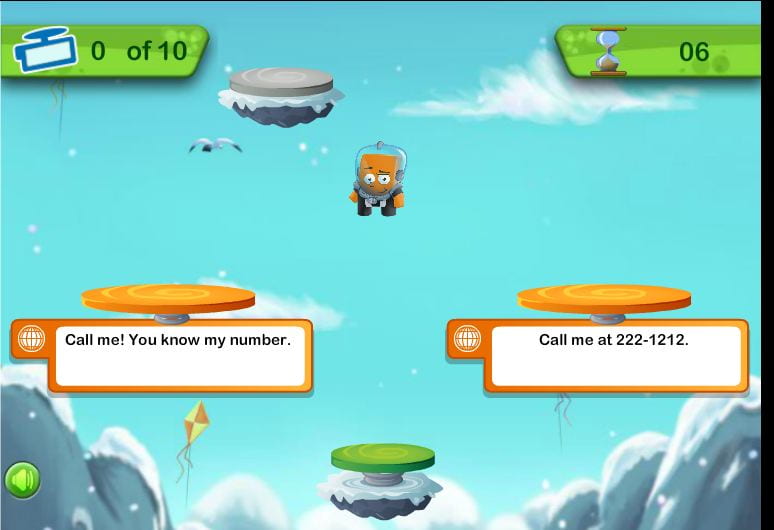
Online Sharing Safety Game - Share Jumper

Lower School Digital Citizenship Lesson Week of March 16th

Everyone enjoys connecting with others online (especially when we are all stuck at home!)  This game is perfect for all of us right now because in a simple and clear way, it explains what kinds of information is okay to share online and what kind of information isn't.  The only way to get your jumper higher and higher is to make the right choices about what is okay to post online.  If you make a wrong choice you get sent back down!


Make sure you read each question carefully.  It will help you to make the correct choices.  THIS GAME IS NOT COMPATIBLE WITH IPADS OR OTHER TOUCH SCREENS.
Now have fun!!

Click here to play: Share Jumper Game

For anyone who might struggle with the game, watch 'We the Digital Citizens' for a refresher on online safety!

Become a Fact-Checker... Part 1: Reading Laterally

There is a constant stream of misinformation and disinformation out there about a lot of world news and this is especially true about the Coronavirus.  Misinformation is false or inaccurate information that is often posted deliberately to deceive.  Disinformation is false information put out through certain politicians or governments to deliberately deceive.  Unfortunately, both misinformation and disinformation are frequently accepted as truth and widely shared by people who have believed what they've read without looking further afield for confirmation of the information.  As the false information spreads, it causes a lot of very confused ideas and can even wrongly influence public opinion.  It is in itself very much like a virus that spreads and infects the mind.

By becoming a fact-checker you can help stop the spread of the disease of misinformation!  The first step to becoming a fact-checker is to use your head!  Critical thinking is an essential skill of the fact-checker.  If something doesn't sound right to you, it very often isn't.  That feeling that something you've read is off should be the first indicator that you need to research further.  Researching outside of the suspected piece of information is called 'Lateral Reading'.

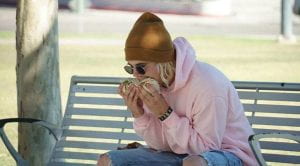
To read laterally, the first thing you can do is use Google or another trusted search engine to search for information about your source or the author of the information.  Searching about your source can often reveal within seconds if the source is trustworthy or not.  But when it comes to social media, often the person responsible for posting is just a regular person and there won't be information available about that person online.  So the second way you can read laterally is to search for more articles about the information you suspect to be false.  So when someone told me that Justin Bieber was so dumb he didn't know how to eat a burrito properly and was photographed eating it sideways, I thought, hmmmm, that doesn't sound right to me.  I typed Justin Bieber Burrito into the Google search bar, and the first article was about how the photo was a hoax.

Another example of this is that I received an email suggesting that I stay away from spicy food to avoid the Coronavirus.  I immediately thought that sounded wrong and did a quick Google search Coronavirus Spicy Food.  The first article was about how that information was completely false.

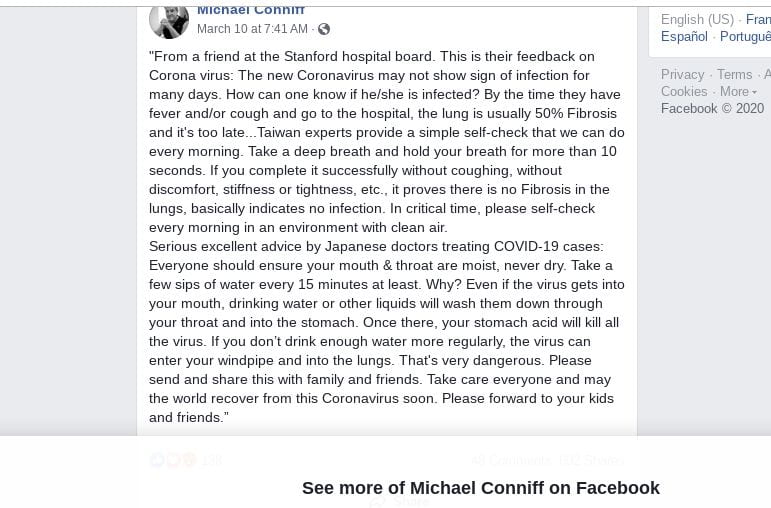
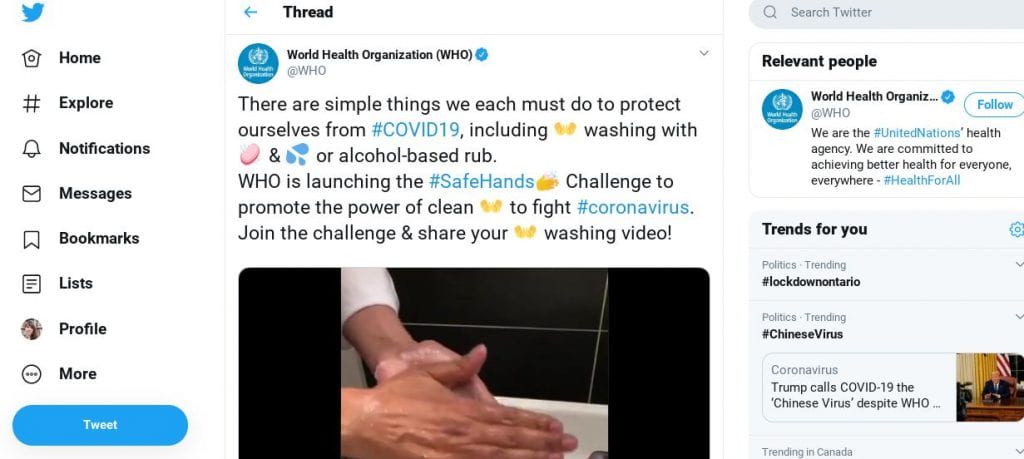
So now is your opportunity to try lateral reading.  Here are three social media posts that are either misinformation or are real information.

Step 1: Look at all of these social media posts.  Which ones immediately seem off to you and why?  Which one do you immediately trust and why?
Step 2: Do some lateral reading.  How long did it take you to determine how true or false this information was?
Step 3: Answer step 1 and 2 questions as a brief comment on this blog post page.
Step 4: Teach your parents and grandparents how to do this too!  That way we can all fight the virus of misinformation!

Post #1 - From the account of Facebook user Michael Conniff


Post #2 from the Twitter verified (blue checkmark) World Health Organization account


Post #3 from Twitter, user Allison Pearson

OJCS Storytime - Week of March 16th

Welcome to the OJCS Storytime!  I hope everyone enjoys this beautiful book and the suggested activity!

To make a tent at home, drape big blankets over tall objects (like the side of your couches and tables).  Fill it with pillows.  Decorate inside and out.  Eat snacks and read books in there!  And be sure and bring your own Pip (favourite stuffie or doll) into your tent and have lots of Lulu & Pip adventures.


Books on Inclusivity for JDAIM Month

The month of February is JDAIM- Jewish Disability Awareness and Inclusion Month.  The right book can really help foster more awareness and kindness in our students.  I have created a book bin with books on this topic for reading buddies that you can find at any time in the library.  I have also created a short list of some of our most on-point titles;


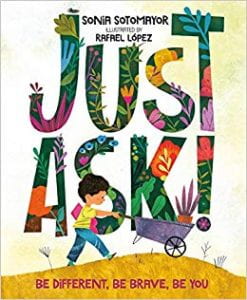
Just Ask! by Sonia Sotomayor.  This lovely book covers various kinds of differences and how every individual has so much to share.


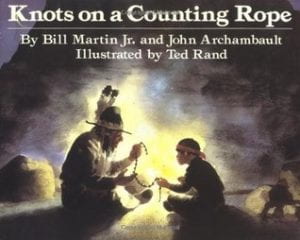
Knots on a Counting Rope by Bill Martin and John Archambault.  A beautifully poetic book about a blind child developing confidence in his own abilities.


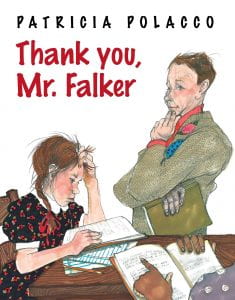
Thank you, Mr. Falker by Patricia Polacco.  Patricia Polacco has to be one of my all time favourite children's authors.  She has so many titles that deal with themes of children struggling because they are different and then finding the support they deserve in their teachers and friends.  It is about how much each child is capable of, no matter what the obstacle may be at first.  In this book, our protagonist struggles with dyslexia but with the support of a compassionate teacher is able to learn to read.


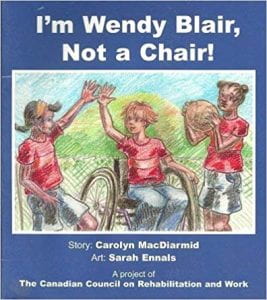
I'm Wendy Blair, Not a Chair! by Carolyn MacDiarmid.  This book is about not letting your disability hold you back.  This was written and published by The Canadian Council on Rehabilitation and Work.


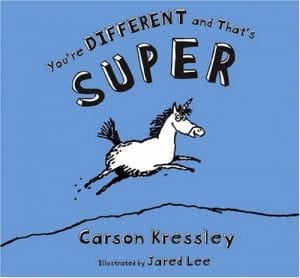
You're Different and That's Super by Carson Kressley.  This book was written by one of the original Queer Eye crew and is a hilarious and adorable book about how special it is to be different.  A storytime favourite.


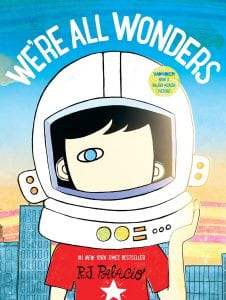
We're All Wonders by R.J. Palacio.  We can't end a list like this without including something by Palacio.  This picture book brings home the main message in the novel Wonder for a younger audience.  Beautifully illustrated.

Monday, February 3, 2020

Exploring Non-Fiction with Grade 1


Grade 1 visited the library on Friday for a workshop on exploring non-fiction.  We started off by discussing what some of the differences are between fiction and non-fiction, and grade 1 were already ahead of the game there and understood it quite well.  Non-fiction is a book that focuses on real events and real information.  It is a book we use to learn about something in most cases.

We moved on to talking about some unique parts found in most non-fiction books...
  • The table of contents
  • The glossary
  • The index
I showed them some examples of how we could utilize these parts of the book.

I gave the students a comprehensive walking tour of the non-fiction section of the library.  After that, we played a scavenger hunt game.  Students were given a slip of paper with a subject and a Dewey Decimal number on it.  They were tasked with using what they had learned to locate it.  
We all had a lot of fun and grade 1 may now be even more proficient at searching non-fiction than the rest of the school!

Tuesday, January 14, 2020

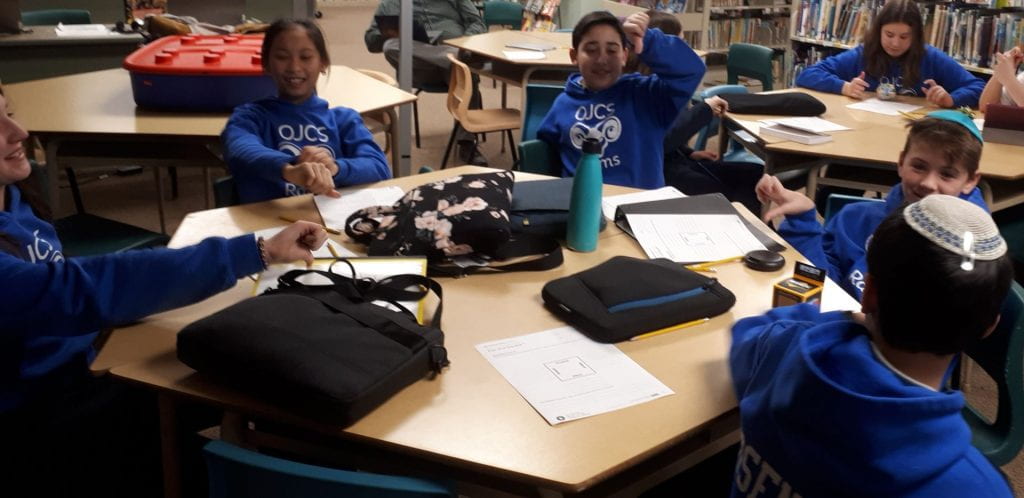
Copyright and Fair Use Middle School Workshops

Copyright and Fair Use are tricky subjects for adults as much as for students.  These issues can be quite complex and confusing.  The point of today's workshop was to simplify it a little bit and help students to navigate these issues.  As our students become more prolific creators of content with blogging, social media, and artworks (to name a few) they will need to understand what their rights are as a creator and what rights other creators have.  They also need to understand in what specific situations using someone else's work is actually okay (believe it or not!)

We opened by listening to a song, Pachelbel's Canon.


Our students of course thought it was the Maroon 5 song Memories.

I explained that by the end of today's workshop, they would understand why Maroon 5 weren't going to be sued or have to pay royalties on stealing that song.

This video created by Common Sense Media is a great tool for explaining some of these concepts in a simple way.


Students were then give a series of scenarios and had to decide if it was fair use of not.  Fair Use is the ability to use copyrighted work without permission in certain ways and in specific situations.  In teams, they decided if it was or wasn't and gave it a thumbs up or thumbs down and explained their group answers.


There is a pretty common misconception that you aren't allowed to use anyone else's photos or music for ANY purpose, but this workshop helped to define what is and isn't okay.  When using songs and images for classroom-only purposes (like slideshows and presentations) it is actually fair use.  If these were to be put online that's where you run into trouble as you would then be publishing them as your own and potentially making money from them.  A good habits for students when using someone else's work for a project would be to cite it in a bibliography page.

Other common examples of fair use are;
  • schoolwork/education (unpublished and/or not posted online)
  • criticism or commentary
  • news reporting
  • comedy/parody/memes
  • If something is public domain - over 70 years old
Though it is always helpful to encourage students to use their own photos, videos, and music for projects, this workshop helped students to understand the concept of fair use and the situations when  it IS okay to use the work of other creators.

And finally, in the case of Maroon 5, Pachelbel's Canon in D rests squarely in the public domain as it is approximately 339 years old.

First Footprints with Grade 2

Our two grade two classes got their first lesson about online footprints and how we leave them.  They learned how to make sure that the footprints they are leaving online are the good kind!

I made sure to highlight a few other ways we can leave our footprints online that were not touched on in the video;
  • Comments left on websites (ex. youtube), video games, and blogs.
  • Our search history
  • Posting information that is intentionally not true
  • Posting embarrassing photos or videos of ourselves or others
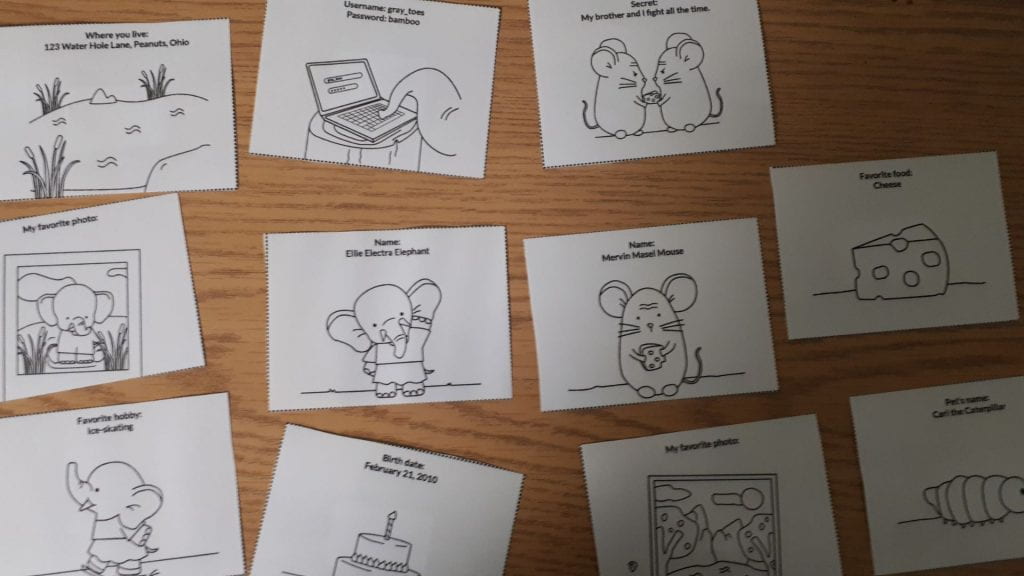
We played a game where two characters - Ellie the Elephant and Mervin the Mouse left their online footprints all over the library.  Students had to find these card footprints and decide which footprints were and were not the right kind to leave online.  We all had lots of fun with this lesson!

Monday, January 13, 2020

Continuing Our Work with Keywords

"Hey Siri, what makes a desert habitat unique?"

The answer to a complex question like that isn't something Siri can answer so easily.  The problem is that students are using this Siri driven searching method every time they go online.  Typing long or complex questions into Google is a bad habit that needs to be broken in order to get the best search results for student research.

Grade 4 had a full period of practice on Thursday and it is already making a big difference in how they are approaching this task.
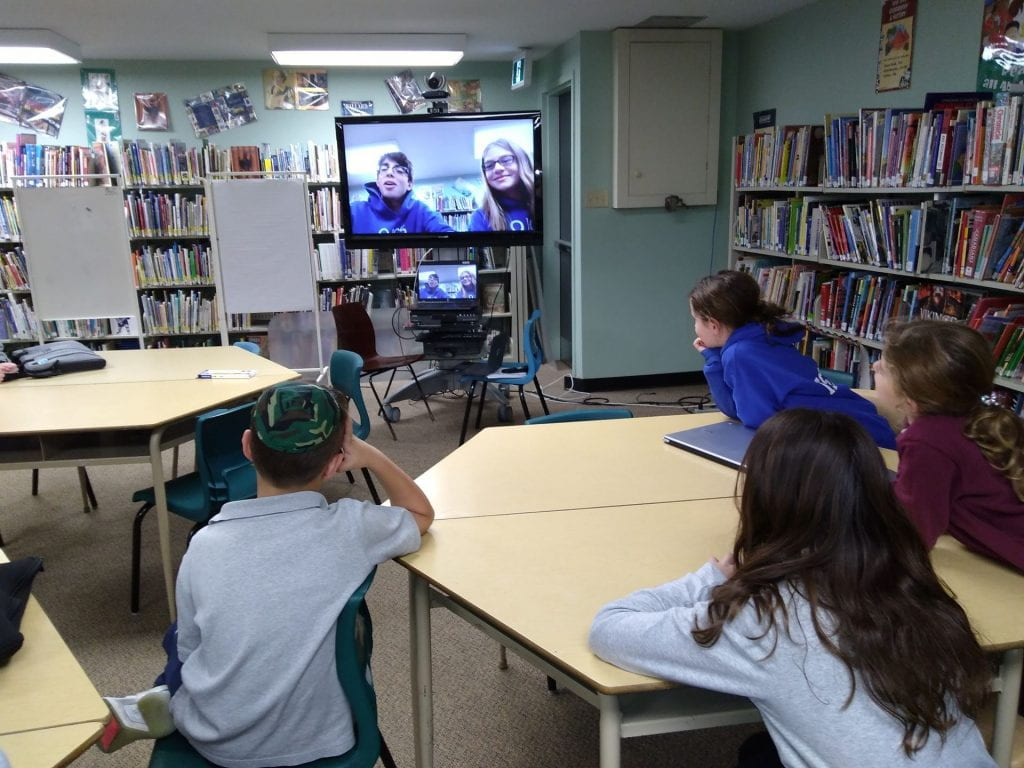
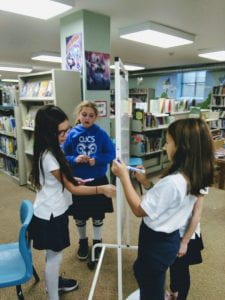
We first talked about the importance of being specific with our search terms.  Ari and Keira helped our grade 4s to get the idea with their tutorial.


Students were given a worksheet containing several long questions and asked to figure out what would be the most specific keywords to get the best results.  It was important for me to continually remind them that they don't need to type a question in Google to get results.

Sample Questions:
1. My dog is digging holes in the backyard.  Is that because they are looking for bones?
Specific keywords to get a clear answer: dog digging
2. My friend just cheated at chess, what are the rules?
Specific keywords to get a clear answer: chess rules or rules of chess


We then gave students a research question:
Are video games addictive?  Can they affect child behaviour?
Students had to come up with all of the possible keywords and keyword combinations (called a query) on a whiteboard that would yield great search results for a paper on the topic.


Some of those were;
video games and addiction
children and video games
child behaviour and video games
video games and emotions
children and addiction and video games
etc.. etc...

Asking students to practice these skills with a daily in-class question is a great way to give them practice in this more precise way of searching.  Through regular practice they will learn how to get meaningful results and this will improve the quality of their work overall.

Monday, October 28, 2019

Introduction to Digital Citizenship

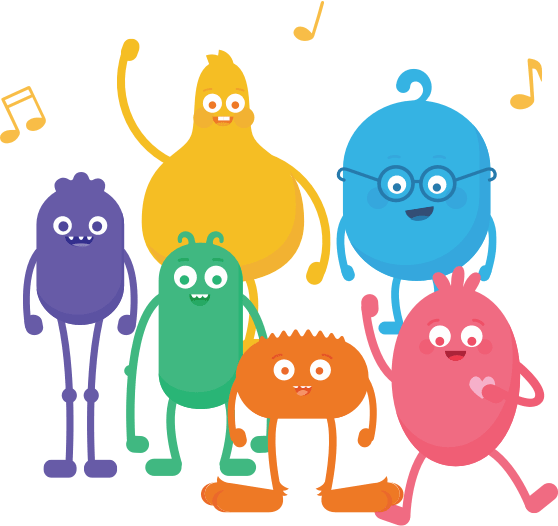
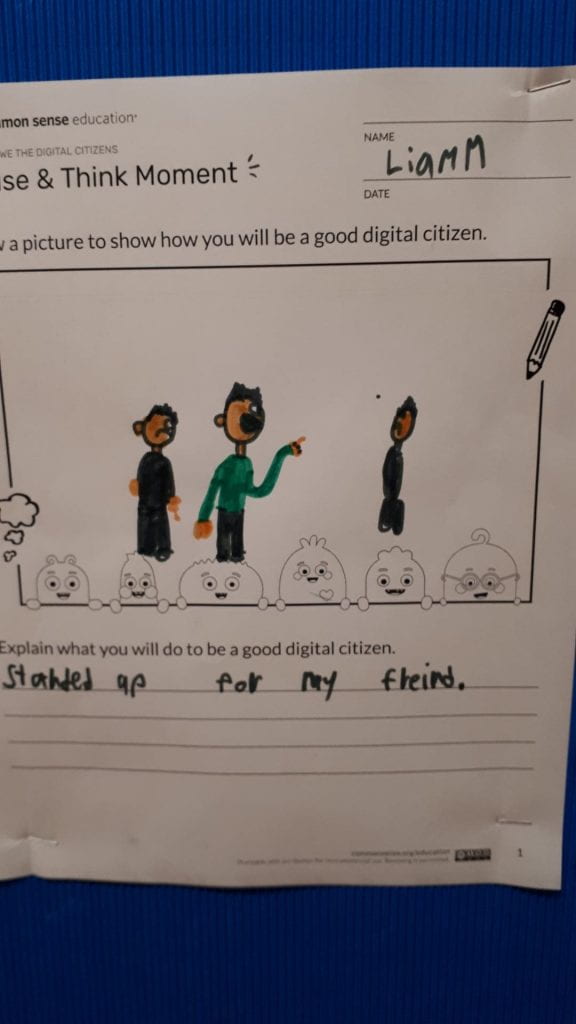
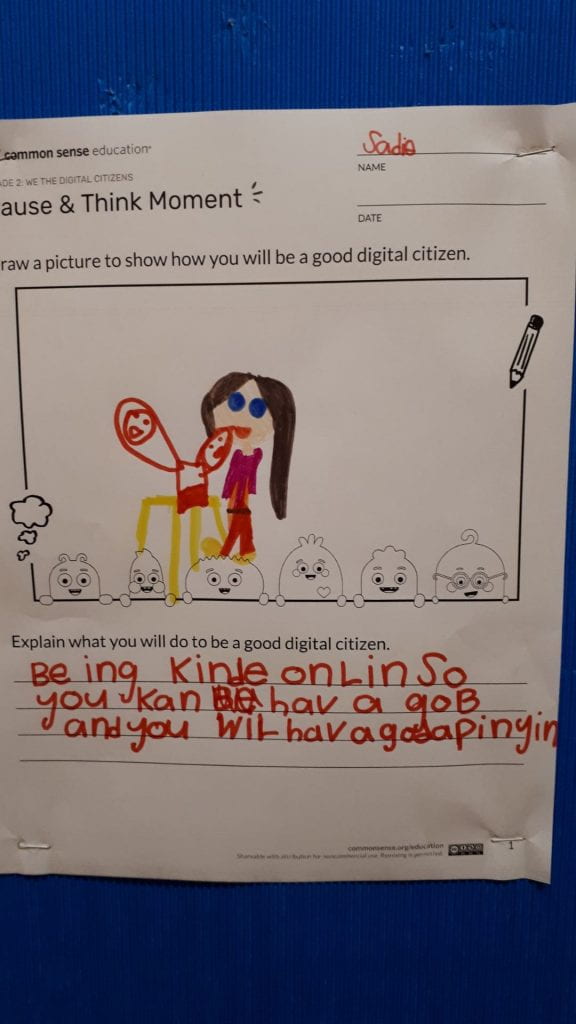
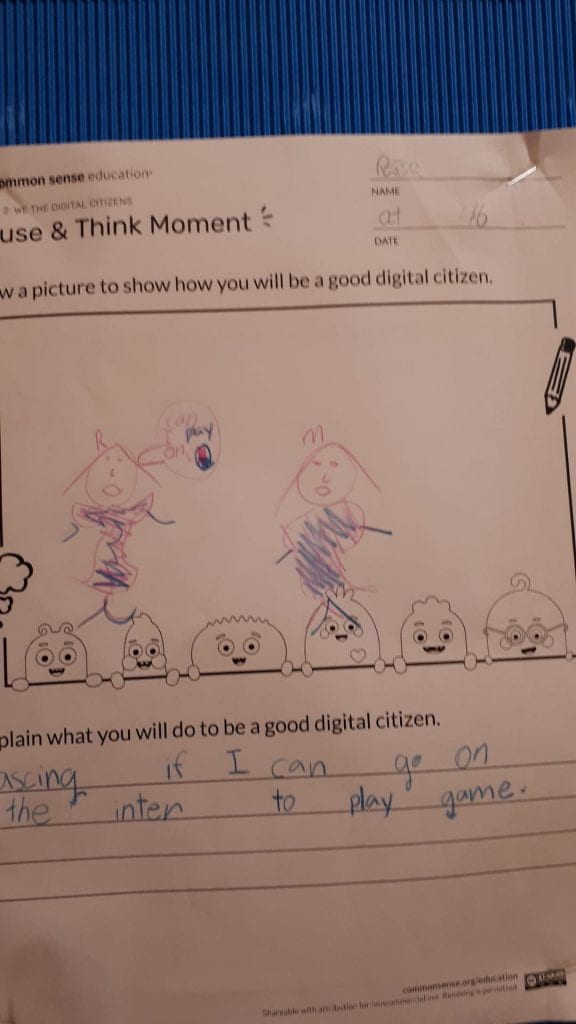
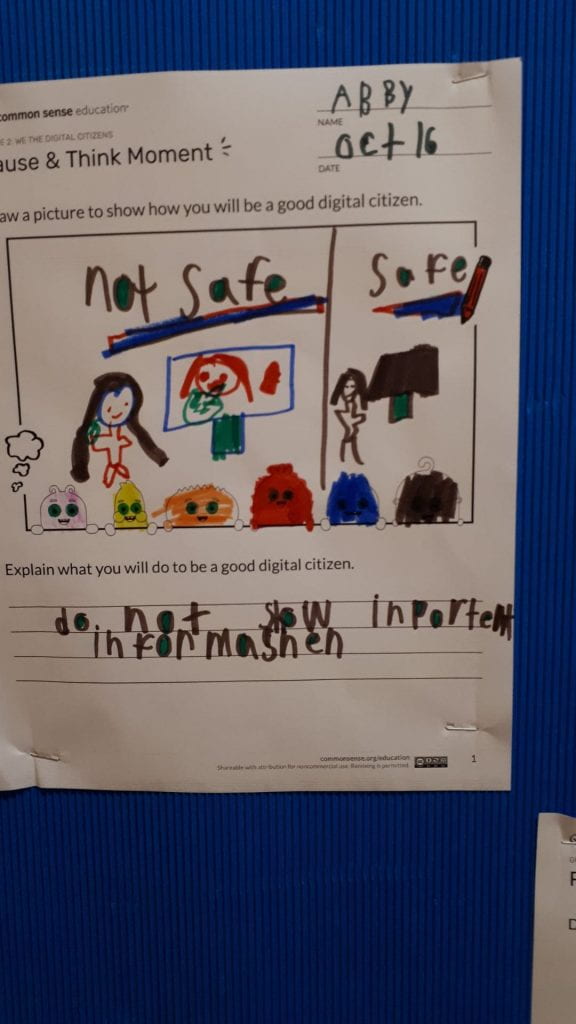
Our grade two class got to meet some fun friends today, the super cute Common Sense Media Digital Citizens!

Each one represents a different aspect of digital citizenship;
  • Arms: Use your arms when you're online to balance your time. 
  • Guts: Listen to your gut to stay safe online. 
  • Feet: Use your feet carefully when leaving tracks online.
  • Legs: Use your legs to stand up to bullies online.
  • Heart: Use your heart to be kind and respectful online.
  • Head: Use your head to ask questions about what you see online.
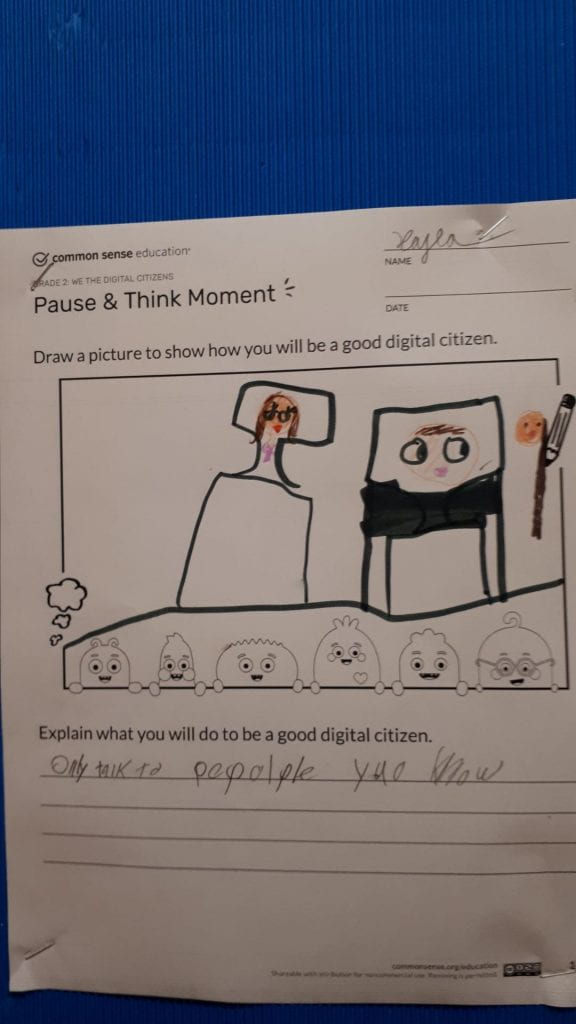
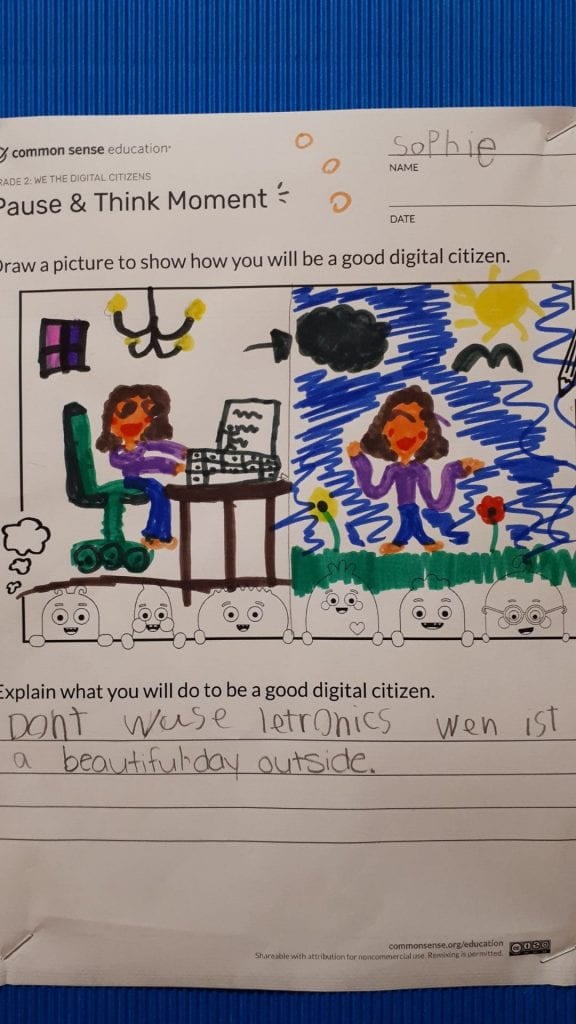
Our students listened to the song we discussed what they think the song was about and they gave examples of their own experiences.  They then drew a picture to represent how they can be good digital citizens.


Thursday, October 17, 2019

The Essentials of Research

Over the course of the past two weeks our middle schoolers have been working very hard to learn the following critical research skills;
  • Using the right keywords in a Google search to get the best results
  • How to effectively take notes
  • How to use in-text citation
  • How to create a bibliography
Students were asked to practice these skills in the form of a small assignment on the history of the microwave.  Some groups came back for a second session and practiced these skills with a series of exercises, and other groups made video tutorials to share with other middle schoolers.


Using Non-Fiction Books and Kids Search Engines for Research


Our grade 3s got a feel for what research is all about on Tuesday.  Research is defined by Merriam-Webster as;
1: careful or diligent search2: studious inquiry or examination especially : investigation or experimentation aimed at the discovery and interpretation of facts, revision of accepted theories or laws in the light of new facts, or practical application of such new or revised theories or laws3: the collecting of information about a particular subject
Our students were tasked to carefully and diligently search through our book resources for information about the insect of their choice using a Table of Contents and/or an Index page.  They took notes in their own words on the insect of their choice and kept track of their sources.
 
They were then asked to search their subject online using very specific keywords.  The proper use of keywords in online searching is an underrated skill.  It takes some forethought to clearly use keywords to create the perfect query and yield the best results.  A search on kiddle.co for 'centipedes' will not yield half as much useful information as the query 'centipede facts.'

They tracked their information in a special graphic organizer.

 It is important that we don't overlook the importance of teaching children to use books to find information.  Learning to quickly scan a page and find pertinent information is a critical part of learning.  So many children wanted to jump straight to finding the information they needed online, but learning to use non-fiction books is where children should begin.  Once they can easily navigate a book, they will have the ability to quickly and efficiently scan websites in the same way.

We will be continuing to fine-tune these skills with all of their research projects this year and I look forward to seeing this class on a regular basis here in the library.