Thursday, May 24, 2018

Summer Reads

Students and teachers alike are already VERY ready for Summer Break, but we all need to do our part to encourage students to read over the break so as to prevent the dreaded "Summer Slide."

Infographic from biguniverse.com


I have compiled summer reading lists for grades 1 through 8 to support teachers in creating their own lists.  It is a nice idea to share suggested reading lists with parents so that they can encourage their children to keep learning over the summer months.  Teachers or parents offering incentives or prizes for reading over the summer is also something that could act as a tremendous motivator for our students.

Grade 1                                                                   
  1. Iggy Peck Architect by Andrea Beaty    
  2. The Princess in Black by LeUyen Pham
  3. Fly Guy by Tedd Arnold
  4. Bink & Gollie by Kate DiCamillo
  5. We Found a Hat by Jon Klassen

Grade 2
  1. Ivy & Bean by Annie Barrows
  2. Canadian Flyer Adventures by Frieda Wishinsky
  3. Jake Drake, Bully Buster by Andrew Clements
  4. The Bad Guys by Aaron Blabey
  5. Galaxy Zack by Ray O'Ryan

Grade 3
  1. Ramona Quimby, Age 8 by Beverly Cleary
  2. Goblins in the Castle by Bruce Coville
  3. Nancy Drew and The Clue Crew by Carolyn Keene
  4. Who Was/Who Is series
  5. Nighty-Nightmare by James Howe
  6. The Giving Tree by Shel Silverstein
  7. Shiloh by Phyllis Reynolds Naylor
  8. Bad Kitty for President by Nick Bruel
  9. Murder on the Canadian by Eric Wilson
  10. Charlotte's Web by E.B. White

Grade 4 
  1. Holes by Louis Sachar
  2. Lizard Music by Daniel Pinkwater
  3. A Series of Unfortunate Events by Lemony Snicket
  4. Artemis Fowl by Eoin Colfer
  5. The Fire Eaters by David Almond
  6. Superfudge by Judy Blume
  7. Ghosts by Raina Telgemeier
  8. Flora & Ulysses by Kate DiCamillo
  9. Boy by Roald Dahl
  10. A Wrinkle in Time by Madeline L'Engle


Grade 5
  1. No More Dead Dogs by Gordan Korman
  2. Percy Jackson by Rick Riordan
  3. Kate by Jean Little
  4. The Call of the Wild by Jack London
  5. Wildwood by Colin Meloy
  6. Bridge to Terebithia by Katerine Paterson
  7. Dear Dumb Diary by Jamie Kelly
  8. Hereville - How Mirka Got Her Sword by Barry Deutch
  9. The Hero and the Crown by Robin McKinley
  10. The Mysterious Benedict Society by Trenton Lee Stewart
Grade 6
  1. The Golden Compass by Philip Pullman
  2. The Secret Garden by Frances Hodgson Burnett
  3. The Land of Stories by Chris Colfer
  4. Ignatius Macfarland: Frequenaut! by Paul Feig
  5. Anne of Green Gables by Lucy Maud Montgomery
  6. The Root Cellar by Janet Lunn
  7. Rules by Cynthia Lord
  8. Smile by Raina Telgemeier
  9. The Sky is Falling by Kit Pearson
  10. Birdland by Tracy Mack

Grade 7
  1. Amulet by Kazu Kibuishi
  2. The House of the Scorpion by Nancy Farmer
  3. The Sisterhood of the Traveling Pants by Ann Brashares
  4. The Astonishing Life of Octavian Nothing by M.T. Anderson
  5. Pendragon by D.J. Machale
  6. Miss Peregrine's Home for Peculiar Children by Ransom Riggs
  7. Hatchet by Gary Paulsen
  8. The Selected Works of TS Spivet by Reif Larsen
  9. The Adventures of Huckleberry Finn by Mark Twain
  10. Lizzie Bright and the Buckminster Boy by Gary D. Schmidt
Grade 8
  1. I am the Messenger by Markus Zusak
  2. Black and White by Eric Walters
  3. How I Live Now by Meg Rosoff
  4. School's Out Forever by James Patterson
  5. The Tiffin by Mahtab Narsimhan
  6. Life of Pi by Yann Martel
  7. Watership Down by Richard Adams
  8. The Berlin Boxing Club by Robert Sharenow
  9. The Summoning by Kelley Armstrong
  10. The Walled City by Ryan Graudin


Monday, March 19, 2018

Practice Using Research Tools with Grade 3

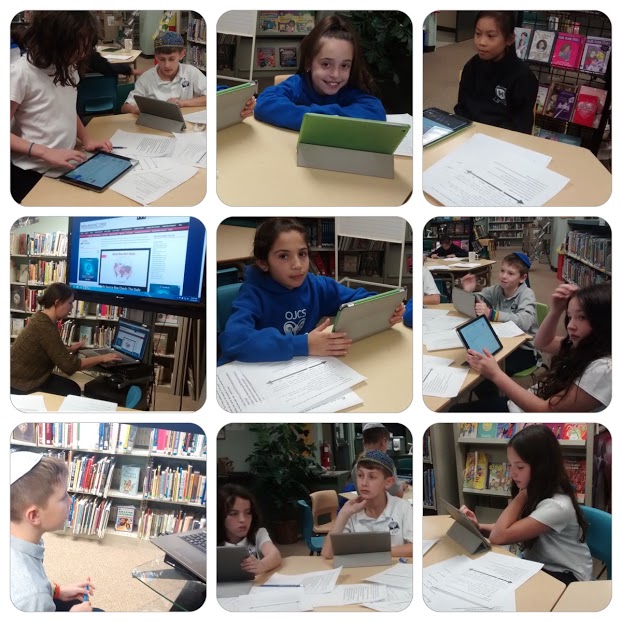
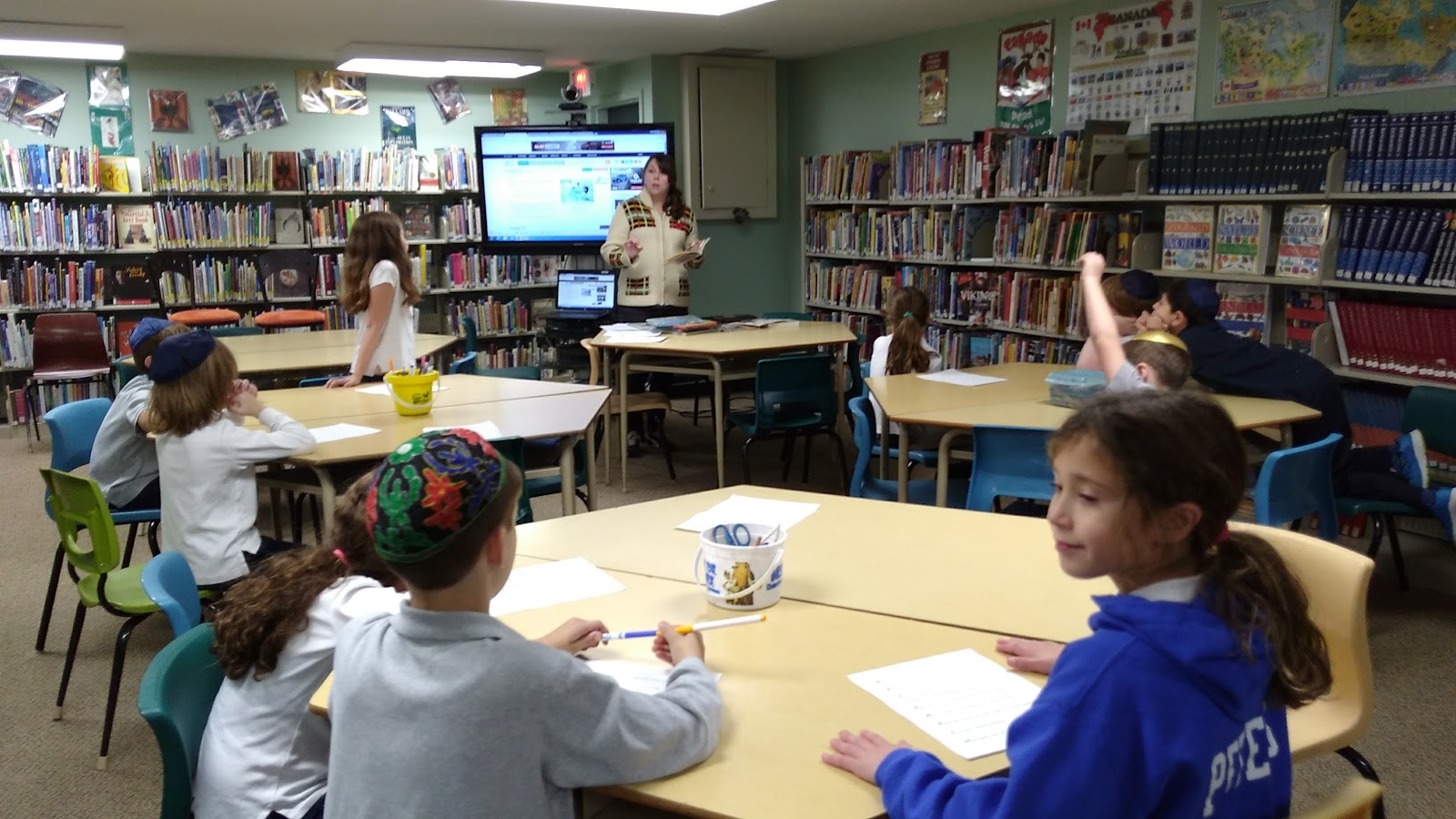
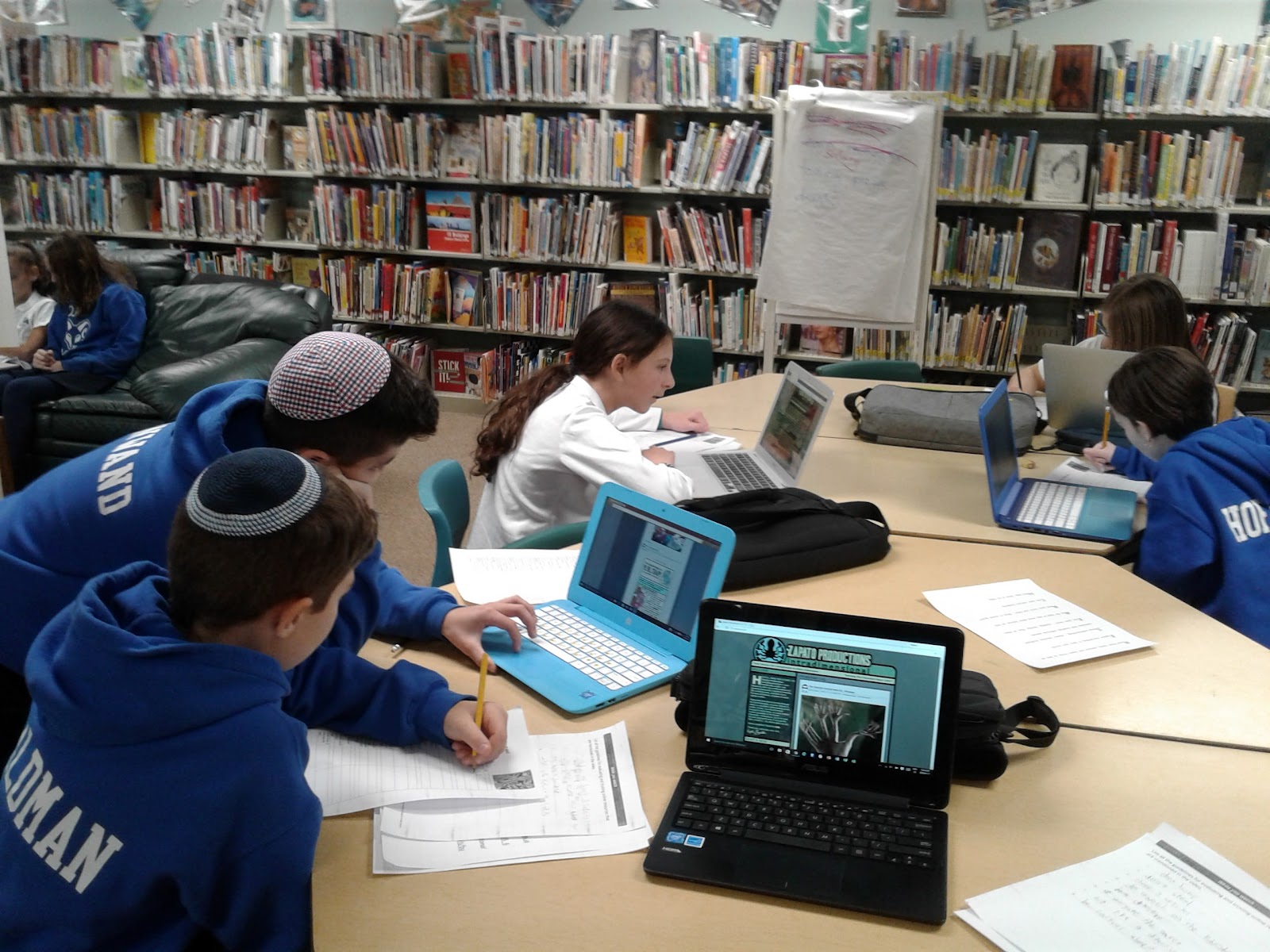
Our grade 3 teacher Julie wanted to bring down her two classes to begin research on a project about Canadian settlers.  Our idea was to divide up the students into two groups; one group would focus on taking notes from the book resources we had on the topic, and the other group would use ipads or laptops to do their research using links that I shared through Google Classroom ahead of time.

I made sure to emphasize to students how critical it was that they take notes in THEIR OWN WORDS!


Students had a wide variety of links they could choose for their research... from online Canadian Encyclopedias to learning games about settlers to a video by the Canadian Film Board about pioneer life.  Depending on the learning style of the student, they tended to know in advance what sites they wanted to use.

This student is playing a fun game where she matched health ailments to pioneer remedies.

Quite a few students were uncomfortable using the books and were both resistant to using them and frustrated by them.  Many even attempted to go straight to YouTube for research even though I had provided links because that is what they do at home. Information is not so instantly accessible in a book as it is when using a device.  And yet most of the books were much more comprehensive and useful than the online links.

I think this indicates that we need to spend more time utilizing non-fiction books in the classroom so that kids develop an ease in using the printed page when they are working.  The only children who seemed to really excel with using books in research were our avid readers, the students who are always in the library signing out books. 


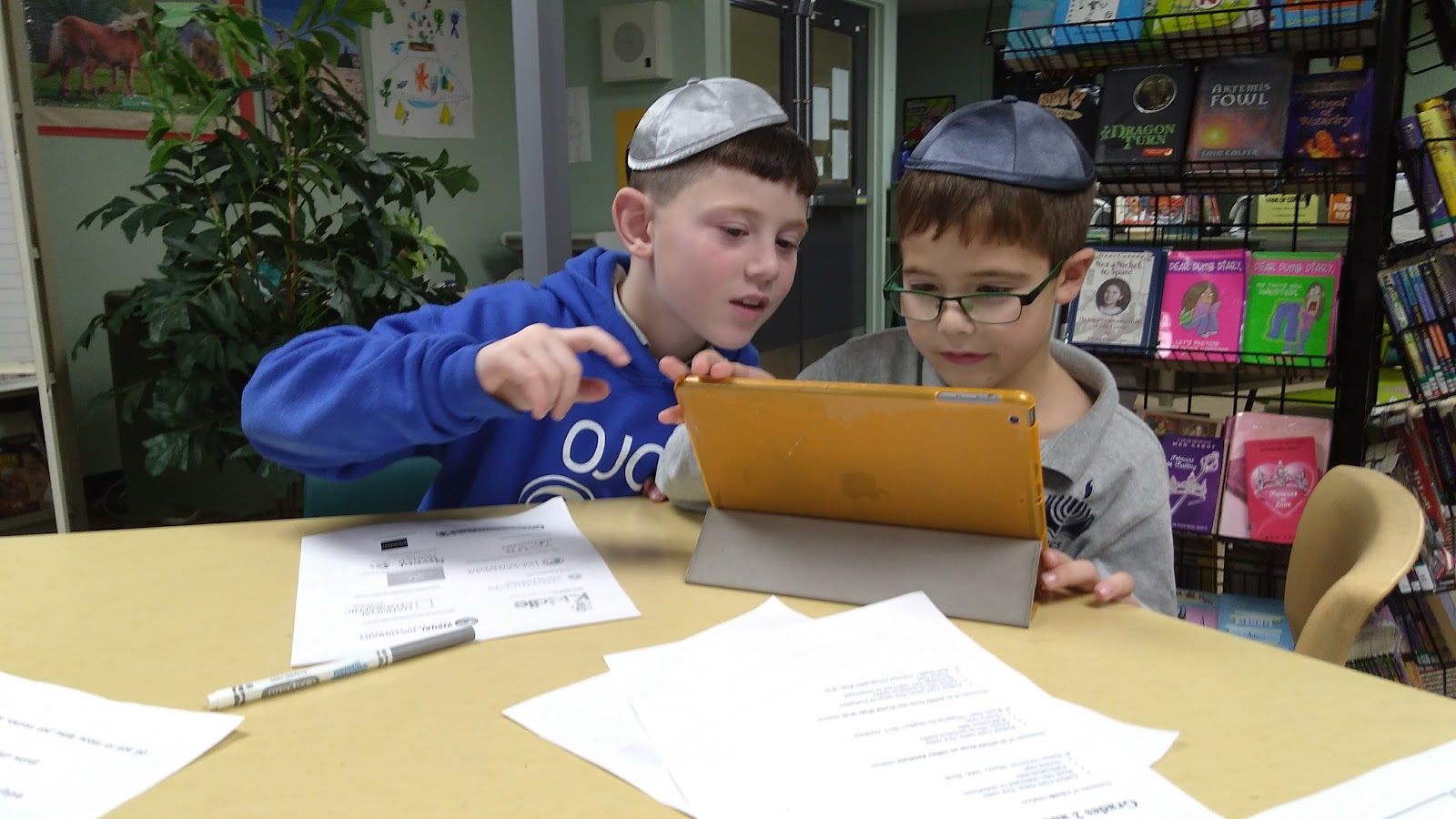
This student is using an approved site to conduct his research.  It has very easy to use links that showed photos of tools used in pioneer times.


Reading non-fiction and using those books in research projects is the foundation of teaching children how to use the internet for research.  Once you've learned to use indexes, to skim books for the content you need, to do proper book citations, then and only then can you move into using similar techniques when doing online research.  What's more, the books in our school's collection are always written by experts, unlike many of the websites students tend to try to use for research online, which means that the information is going to be accurate and appropriate for their projects.

This experience speaks volumes about how children from a very young age are taught to use technology to learn (via educational games, videos, online work)  at the expense of developing other ways of learning alongside it.  Both ways of learning need to be hand in hand to create a successful and literate student. 

Tuesday, February 27, 2018

Grade 7 and 8 - Comprehensive Research Skills Workshop


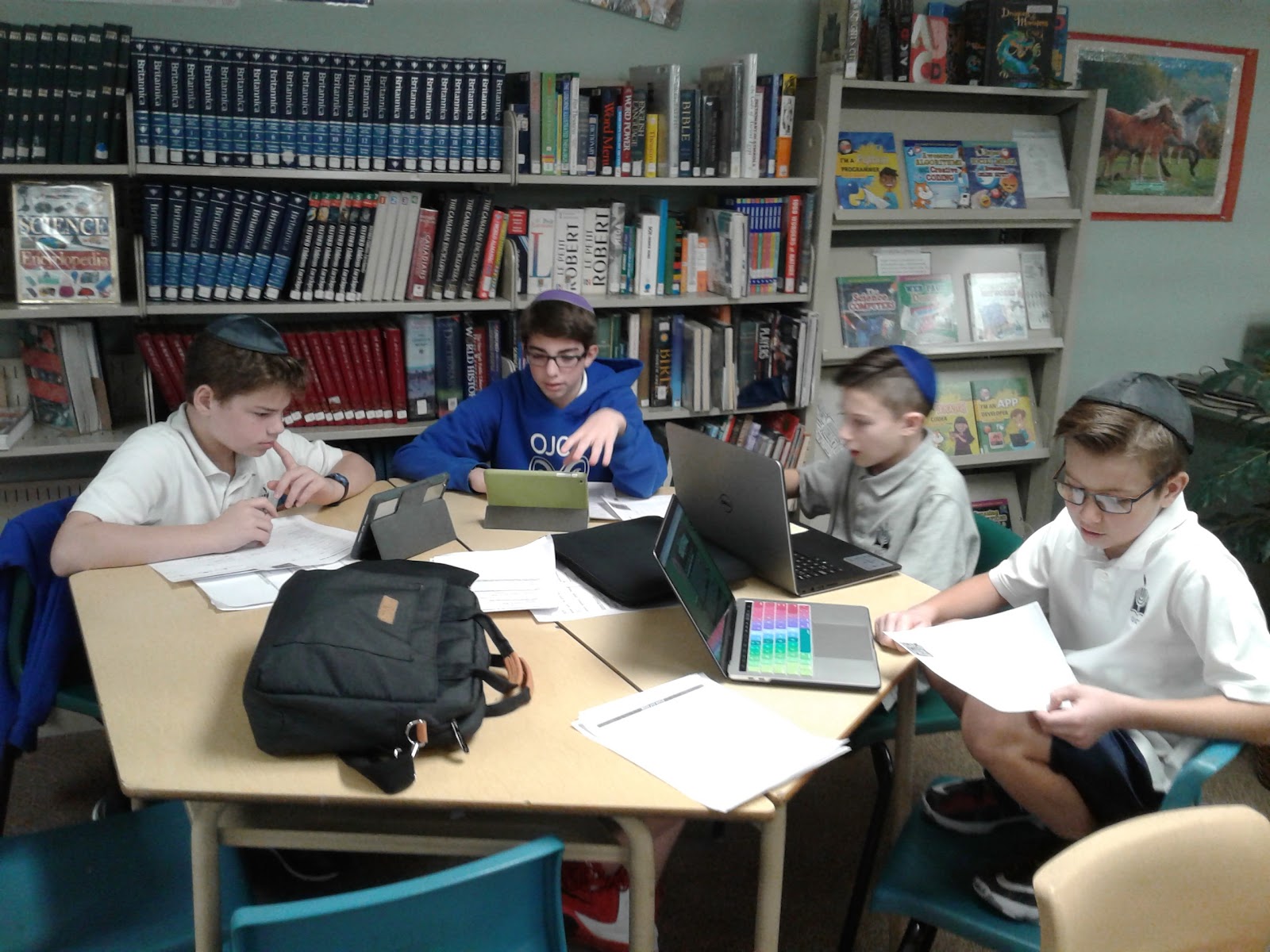
These two workshops with Rabbi Rottenberg’s 7 and 8s were the most intensive of the lot and covered it all, from exercises on forming effective queries in search engines, to learning proper MLA bibliography format, to examine credible and non-credible sites in research.  


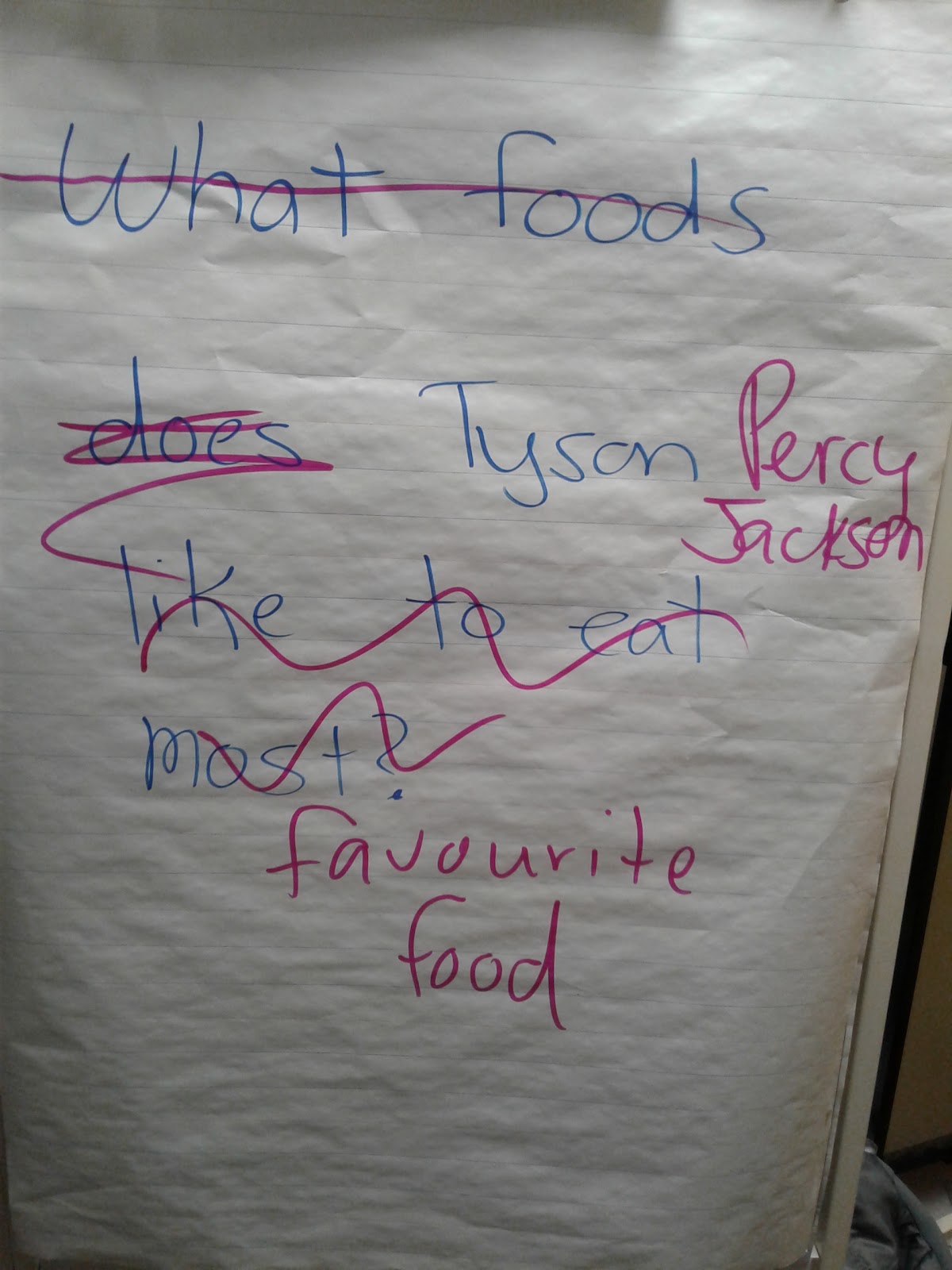
We parsed some searches to find out which keywords were critical and which were not necessary to our search.

This exercise was based on a great Google Searching workshop that is available free online.

Picking the Right Search Terms

We worked on creating effective queries for many interesting questions.


Grade 8 had the toughest job, not only did they have to create a mini-bio on the celebrity of their choosing, they had to critically examine the sites they were using as they were going.  The results were both entertaining and encouraging as students started fitting together key concepts.


Overall these workshops have been incredibly rewarding for me and I hope to hear that the result of these workshops is that kids are handing in much better quality assignments and choosing their sources much more critically.

Grade 6 Research Skills Workshop


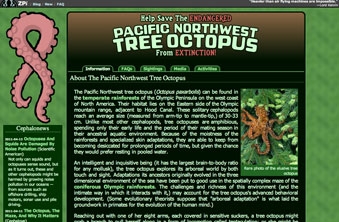
When I met with Rabbi Rottenberg’s Grade 6s we examined a fake website and used a critical checklist to determine if the site was or was not credible. This is such a fun exercise and really forces students to develop their critical thinking abilities as well as do some supplemental research to see what they can discover elsewhere about the author or the purported "tree octopus."
It was incredible how many kids could be so easily duped.
Luckily a few web saavy students knew it was a fake right away.
The checklist was a really great tool because it forced students to examine areas of the site that they might not otherwise have even thought twice about. 

Is this website credible or not?


Web Evaluation Checklist                                                                            

Authority
YES
NO
Is it clear who wrote the content?
 
 
Is the author an expert on the subject?  Does he have a good reputation?
 
 
Is there contact information that can be verified?
 
 
Accuracy
 
 
Do you believe that the content is true?
 
 
Does the information use correct grammar, spelling and sentence structure?
 
 
Are the photos real or potentially altered in some way?
 
 
Objectivity
 
 
Is the information presented in a balanced way?
 
 
Is all the information included?  Have some things been intentionally left out?
 
 
If there are ads on the page, do they have anything to do with then content of the page?
 
 
Currency
 
 
Is there any date to show when the content was created?
 
 
Is there any date to show when the content was last updated?
 
 
Do all the links work?
 
 
Coverage
 
 
Is the subject discussed in depth? 
 
 
Do the links on the page lead to trustworthy sites?
 
 
Compare
 
 
Run a search on this topic.  Can you find two other credible websites?


I can't recommend this Tree Octopus exercise enough for teachers of media and digital literacy!

Monday, February 26, 2018

Credible and Non-Credible Sources

My second workshop was with Rachel’s Grade 5 class.  I wanted to have a discussion with the students about credible and non-credible sites. 


This Google video was shared with the group.


To really get the message across, we worked on the following exercise;

Exercise: Two of these websites are news satire.  Two involve extreme bias based on the viewpoint of the source.  Two are from healthy news sources that generally are more centered or have not too much bias either way.  Identify them!   


Tips for searching the web to ensure you are using legitimate sites for research and news articles:

Where - Where is the content published?

Who - Look for an author at the beginning or end of the text. Try and find out a bit more about the author if time allows.

What - What kind of website is it? Business? News? Personal Blog? Entertainment? What is the purpose of the site? What is the point of view of this website? Is it biased? Unbalanced?

When - Look for a publication date.
I urge students to use mediabiasfactcheck.com/
If a source has extreme bias or is biased completely to the left or right, it is not
a great source for your news research.


If a source is more to the center, even if that means “left-center” or
“right-center”, then it is safe to use; E
ven the CBC is considered a bit left-center!
It was really interesting to observe just how much of a challenge it is for students to identify fake news.  I am looking forward to doing more work with students on this topic. 

Research Skills workshop with Grade 3

In my first set of workshops, I guided Julie’s Grade 3 class on the basics of web searching and using kid-friendly search engines such as Kiddle.  


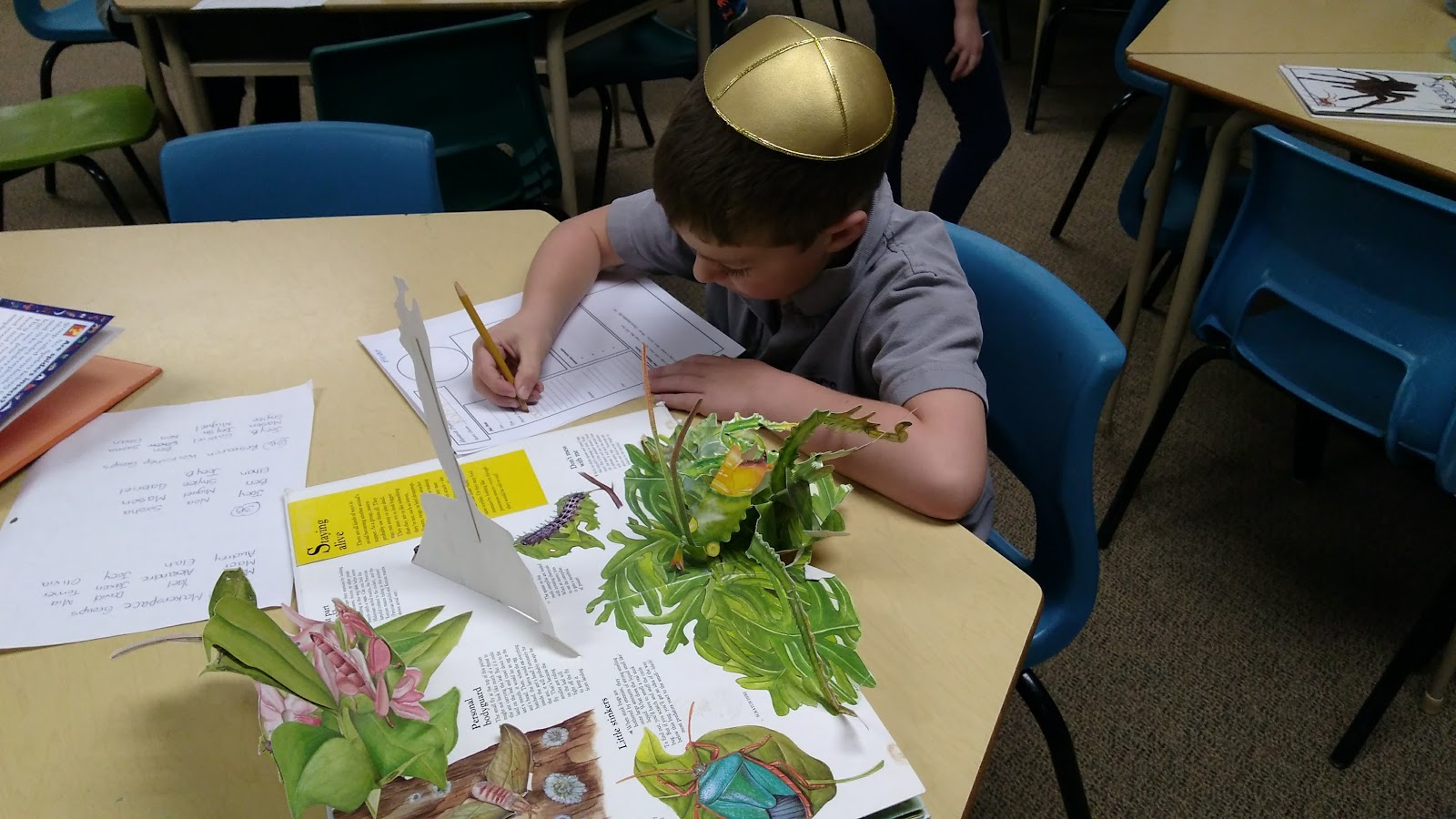
I engaged them in a discussion about why shared sites like Wikipedia and YouTube are not recommended sources for academic research.  We went over a very simple bibliography and then I got students to team up and research bugs.  It was a fun project overall and the kids really got into their research subjects.


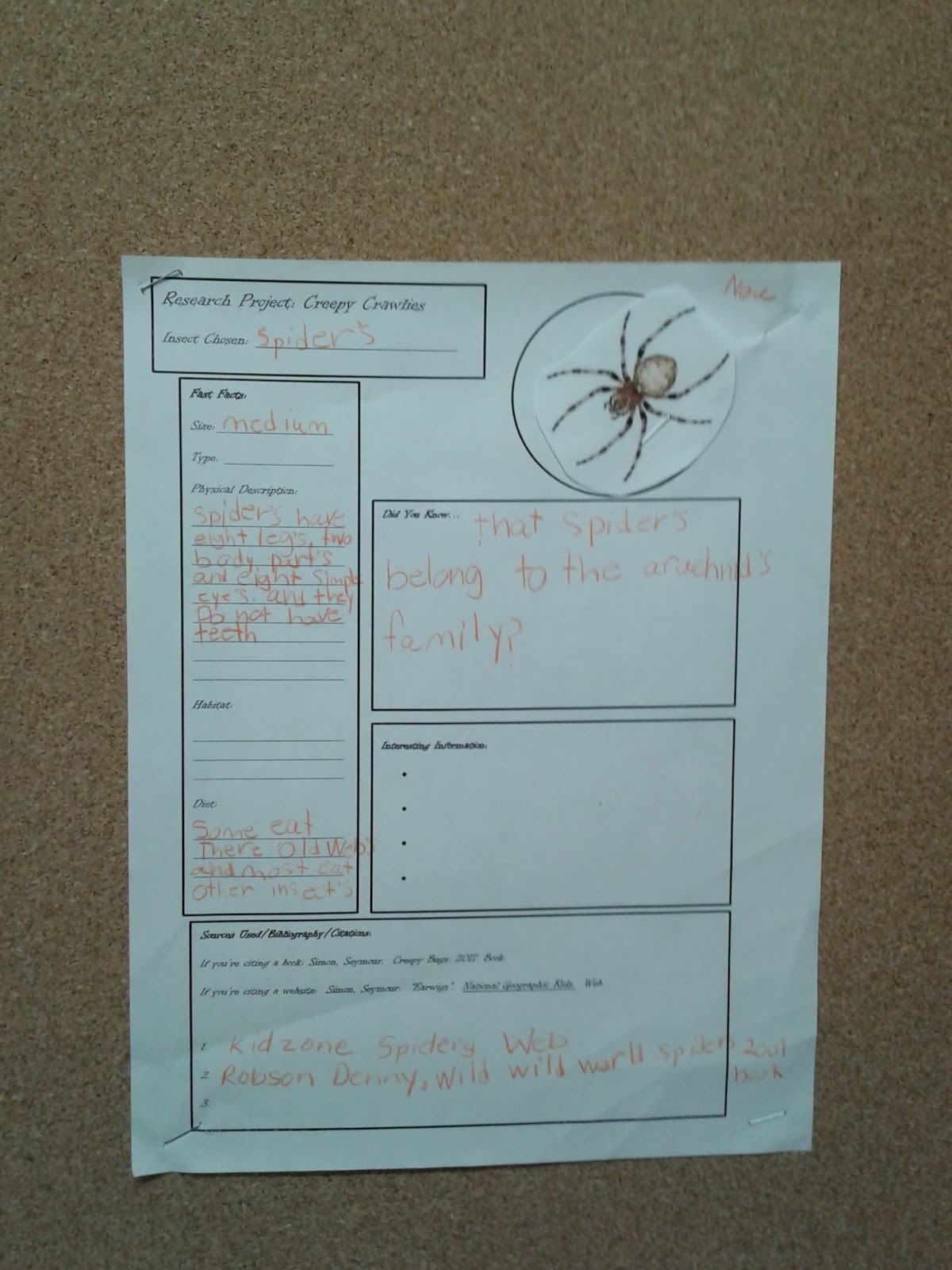
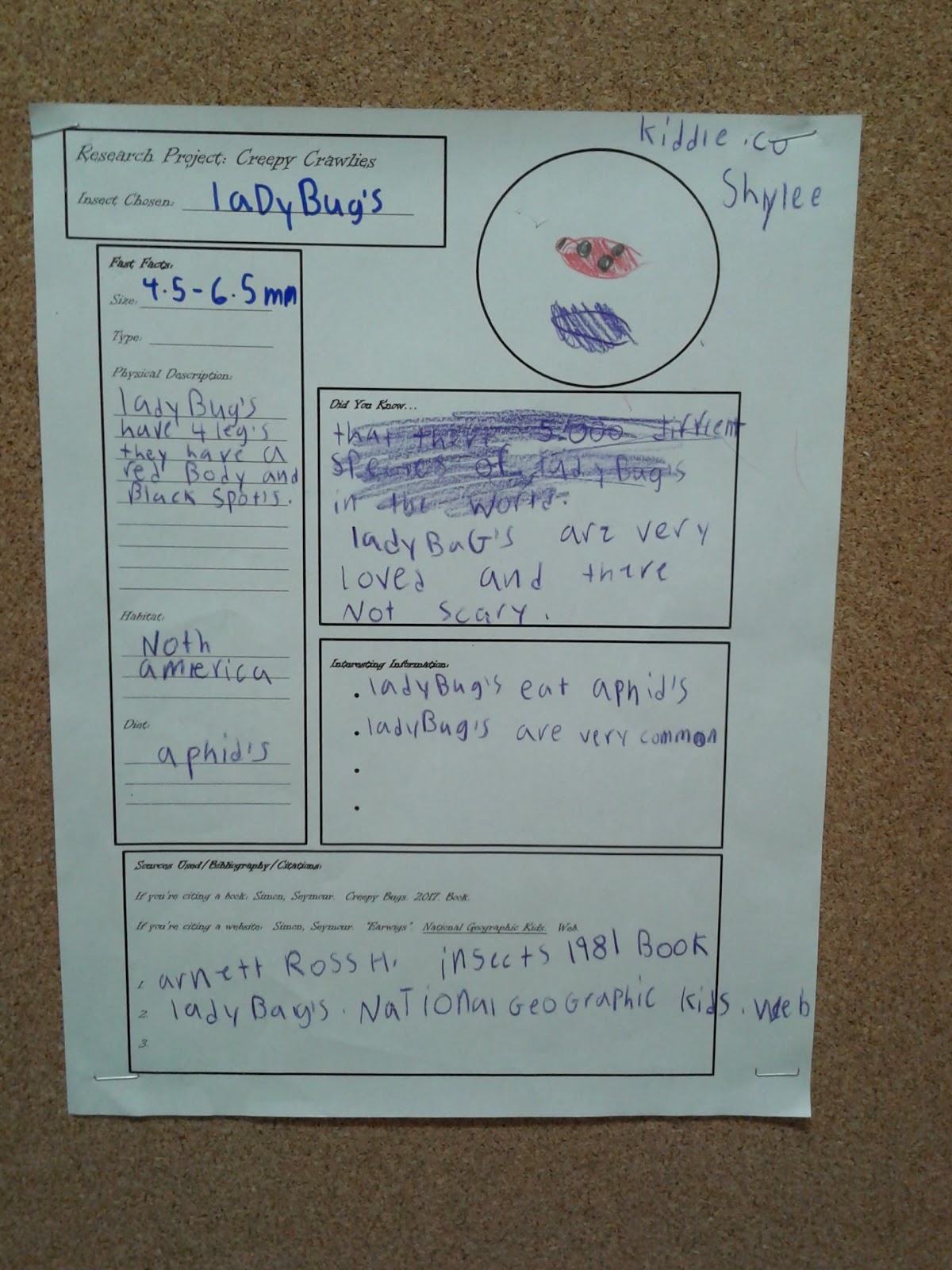
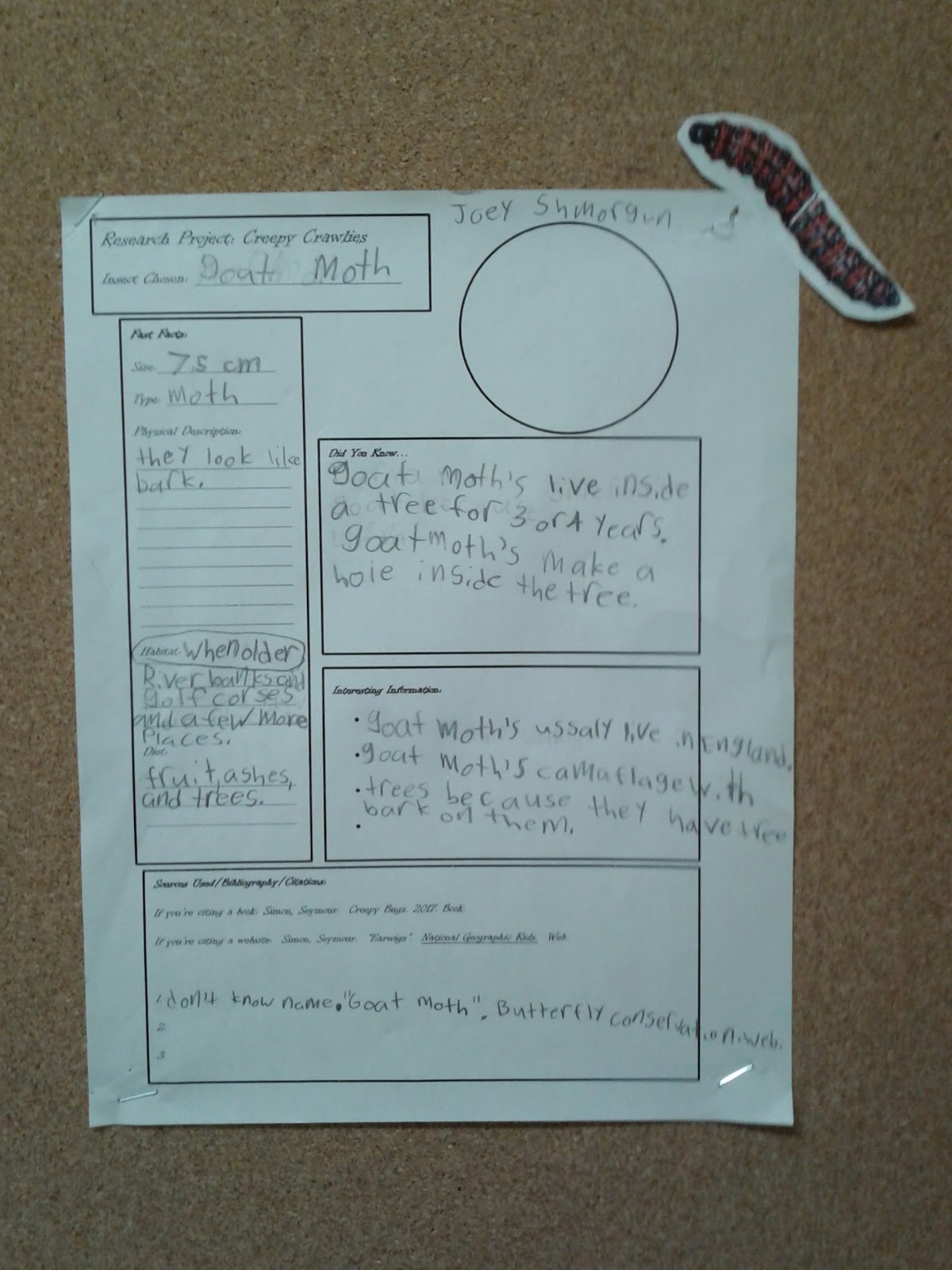
Here are some examples of the finished product:


I was very proud of these kids who had to pick up a lot of skills in a two period workshop.  They did great work!