Learn about what's been happening in our school library. We're working to strongly encourage literacy, media literacy, and creating upright digital citizens through fun workshops and library activities.
Our two grade two classes got their first lesson about online footprints and how we leave them. They learned how to make sure that the footprints they are leaving online are the good kind!
I made sure to highlight a few other ways we can leave our footprints online that were not touched on in the video;
Comments left on websites (ex. youtube), video games, and blogs.
Our search history
Posting information that is intentionally not true
Posting embarrassing photos or videos of ourselves or others
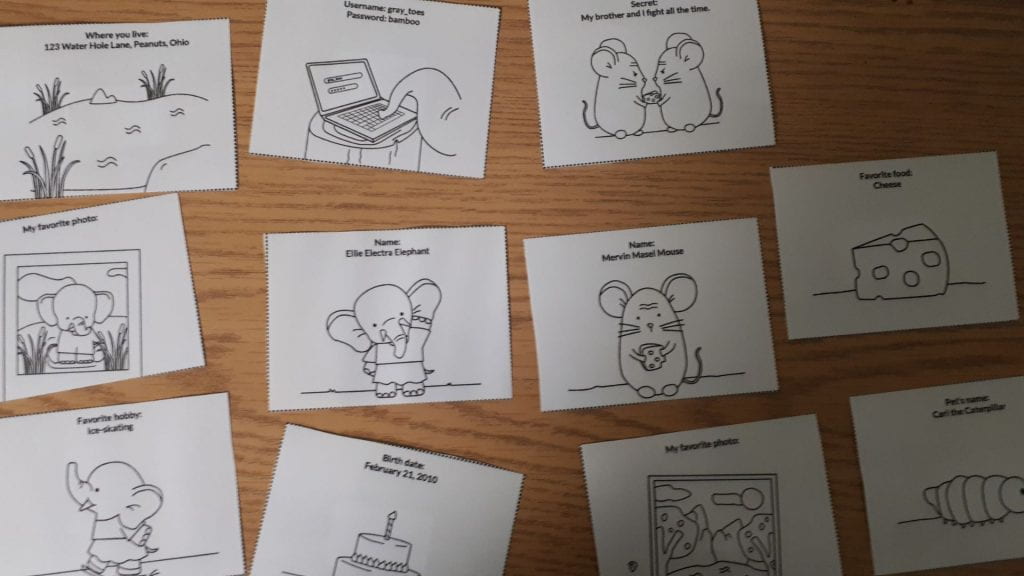
We played a game where two characters - Ellie the Elephant and Mervin the Mouse left their online footprints all over the library. Students had to find these card footprints and decide which footprints were and were not the right kind to leave online. We all had lots of fun with this lesson!
The answer to a complex question like that isn't something Siri can answer so easily. The problem is that students are using this Siri driven searching method every time they go online. Typing long or complex questions into Google is a bad habit that needs to be broken in order to get the best search results for student research.
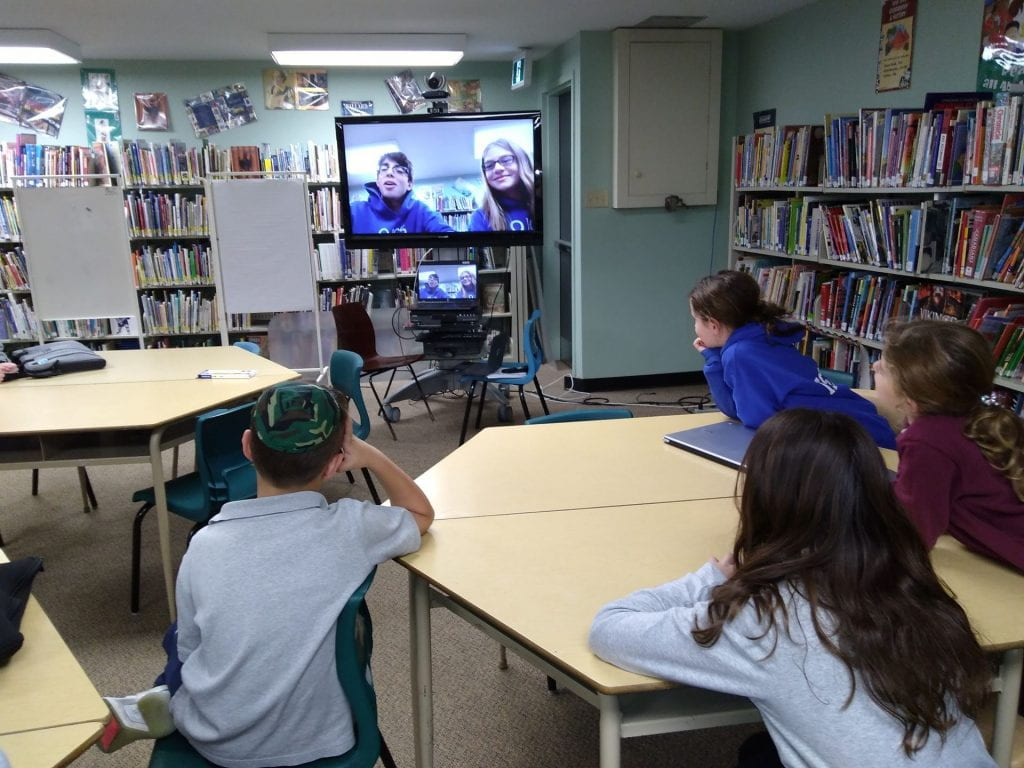
Grade 4 had a full period of practice on Thursday and it is already making a big difference in how they are approaching this task. We first talked about the importance of being specific with our search terms. Ari and Keira helped our grade 4s to get the idea with their tutorial.
Students were given a worksheet containing several long questions and asked to figure out what would be the most specific keywords to get the best results. It was important for me to continually remind them that they don't need to type a question in Google to get results.
Sample Questions: 1. My dog is digging holes in the backyard. Is that because they are looking for bones? Specific keywords to get a clear answer: dog digging 2. My friend just cheated at chess, what are the rules? Specific keywords to get a clear answer: chess rules or rules of chess
We then gave students a research question: Are video games addictive? Can they affect child behaviour? Students had to come up with all of the possible keywords and keyword combinations (called a query) on a whiteboard that would yield great search results for a paper on the topic.
Some of those were; video games and addiction children and video games child behaviour and video games video games and emotions children and addiction and video games etc.. etc...
Asking students to practice these skills with a daily in-class question is a great way to give them practice in this more precise way of searching. Through regular practice they will learn how to get meaningful results and this will improve the quality of their work overall.
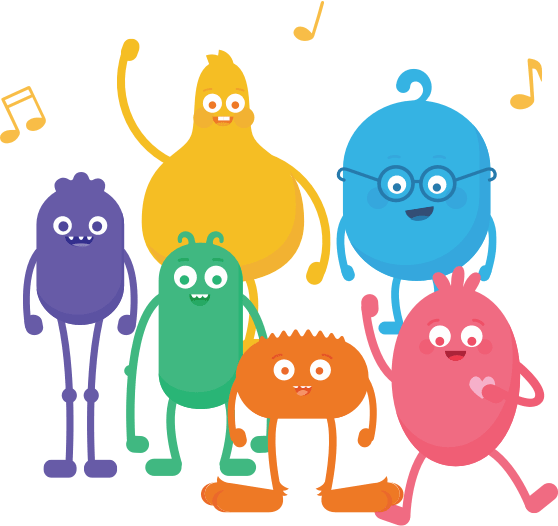
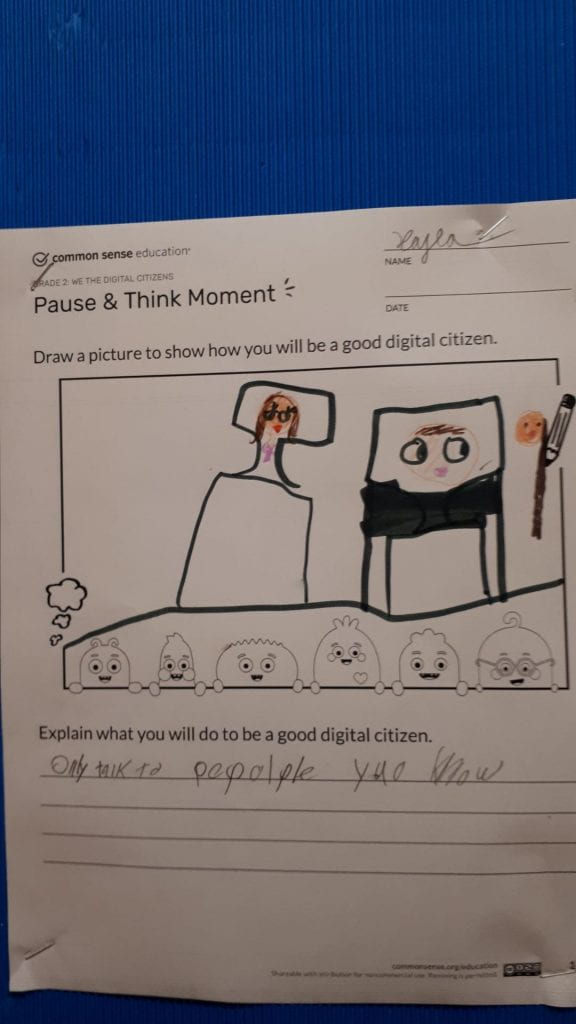
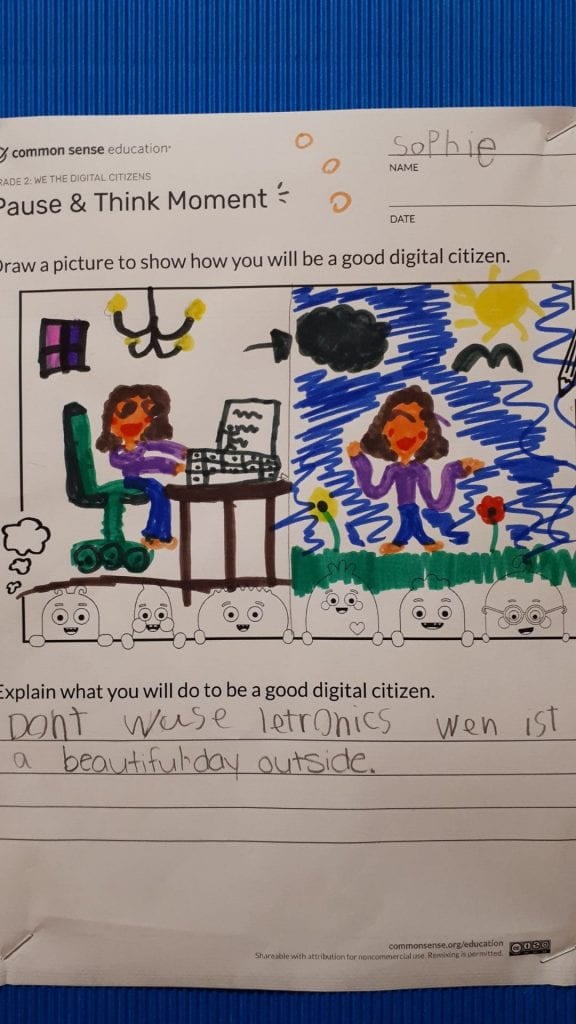
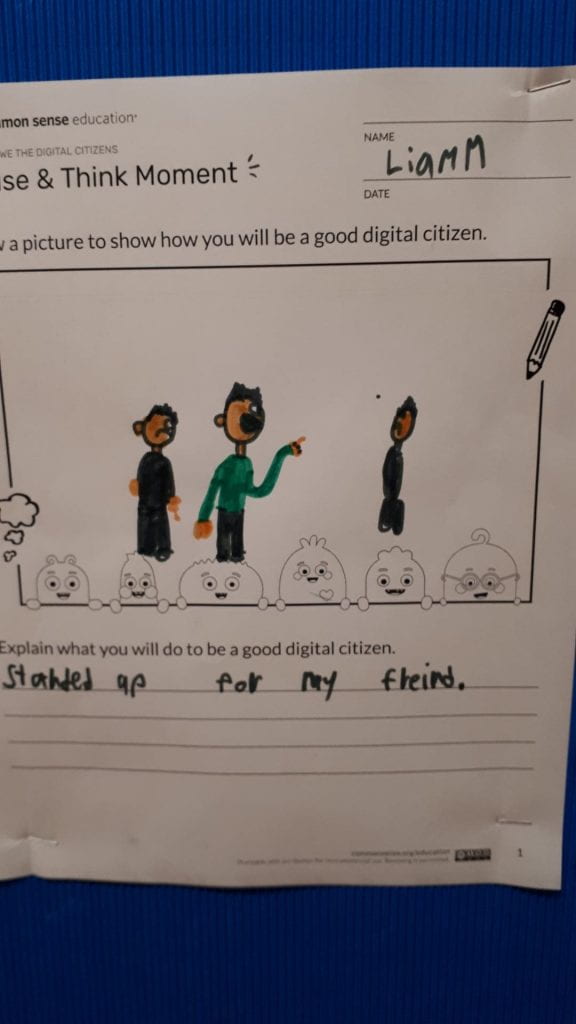
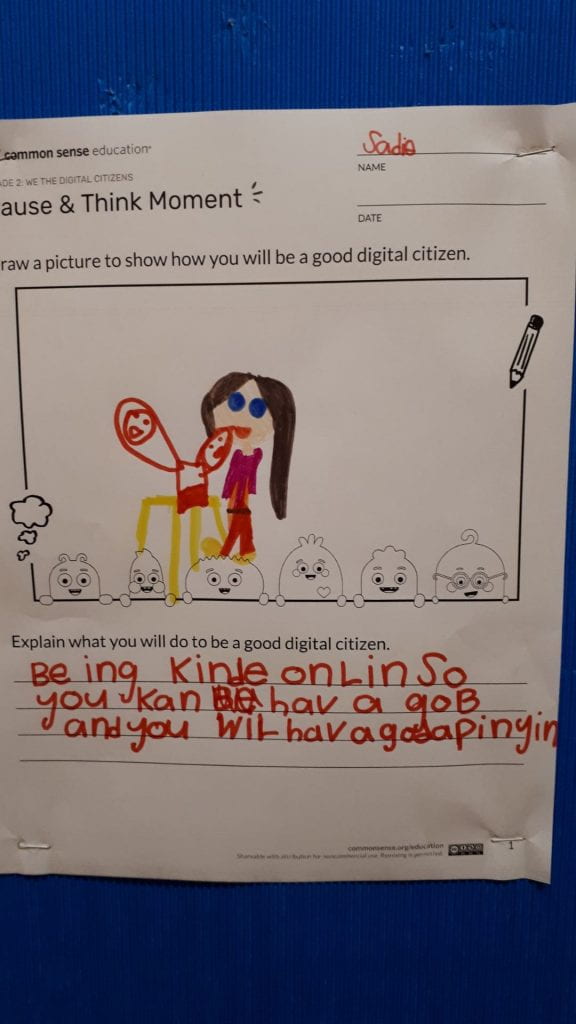
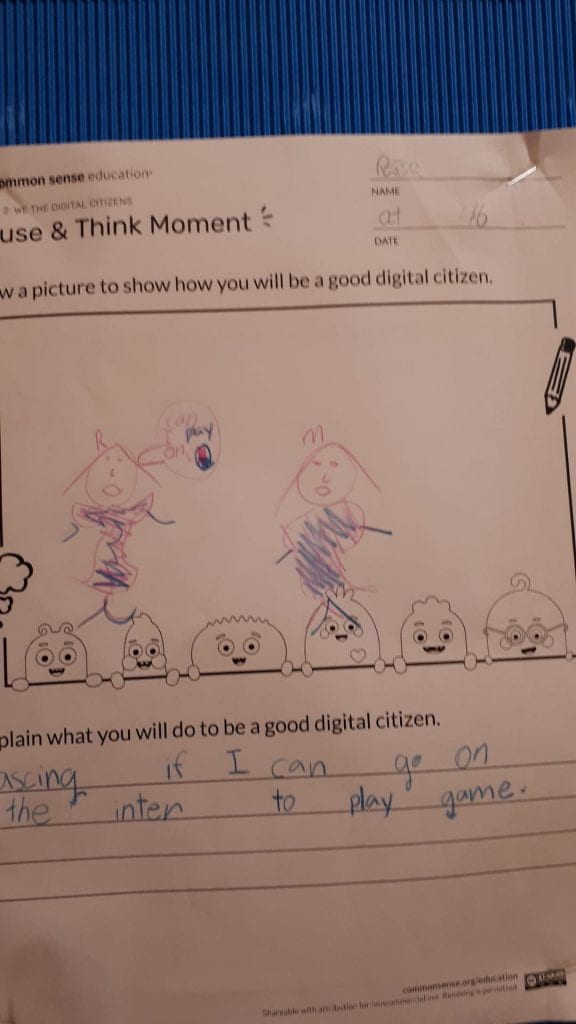
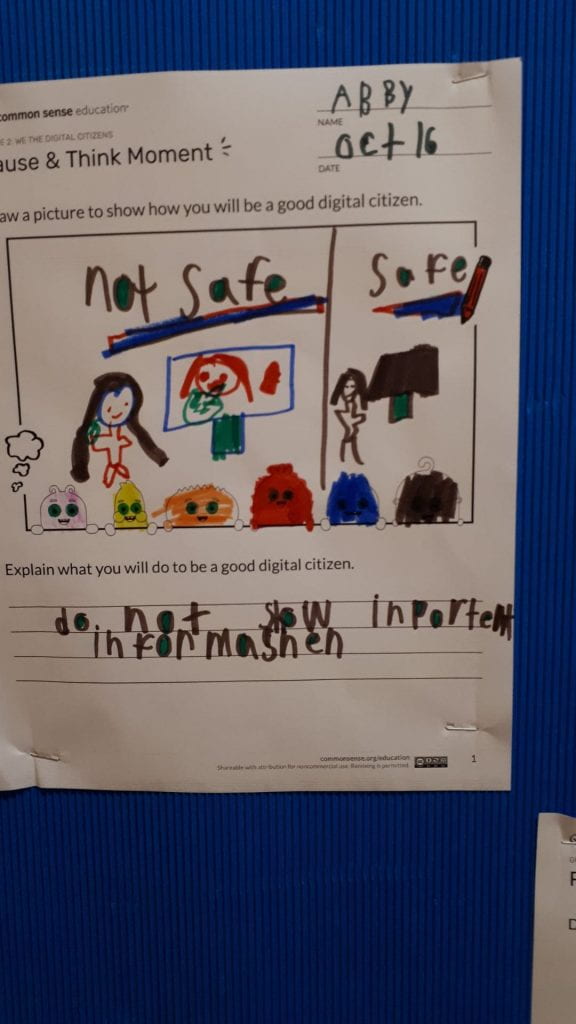
Our grade two class got to meet some fun friends today, the super cute Common Sense Media Digital Citizens!
Each one represents a different aspect of digital citizenship;
Arms: Use your arms when you're online to balance your time.
Guts: Listen to your gut to stay safe online.
Feet: Use your feet carefully when leaving tracks online.
Legs: Use your legs to stand up to bullies online.
Heart: Use your heart to be kind and respectful online.
Head: Use your head to ask questions about what you see online.
Our students listened to the song we discussed what they think the song was about and they gave examples of their own experiences. They then drew a picture to represent how they can be good digital citizens.
Over the course of the past two weeks our middle schoolers have been working very hard to learn the following critical research skills;
Using the right keywords in a Google search to get the best results
How to effectively take notes
How to use in-text citation
How to create a bibliography
Students were asked to practice these skills in the form of a small assignment on the history of the microwave. Some groups came back for a second session and practiced these skills with a series of exercises, and other groups made video tutorials to share with other middle schoolers.
Our grade 3s got a feel for what research is all about on Tuesday. Research is defined by Merriam-Webster as;
1: careful or diligent search2: studious inquiry or examination especially: investigation or experimentation aimed at the discovery and interpretation of facts, revision of accepted theories or laws in the light of new facts, or practical application of such new or revised theories or laws3: the collecting of information about a particular subject
Our students were tasked to carefully and diligently search through our book resources for information about the insect of their choice using a Table of Contents and/or an Index page. They took notes in their own words on the insect of their choice and kept track of their sources.
They were then asked to search their subject online using very specific keywords. The proper use of keywords in online searching is an underrated skill. It takes some forethought to clearly use keywords to create the perfect query and yield the best results. A search on kiddle.co for 'centipedes' will not yield half as much useful information as the query 'centipede facts.'
They tracked their information in a special graphic organizer.
It is important that we don't overlook the importance of teaching children to use books to find information. Learning to quickly scan a page and find pertinent information is a critical part of learning. So many children wanted to jump straight to finding the information they needed online, but learning to use non-fiction books is where children should begin. Once they can easily navigate a book, they will have the ability to quickly and efficiently scan websites in the same way.
We will be continuing to fine-tune these skills with all of their research projects this year and I look forward to seeing this class on a regular basis here in the library.
I met with Grade 5 yesterday for a workshop about finding media balance. Grade 5 is a great year to start talking about the choices students have in terms of finding a healthy balance in their lives with technology and media. When middle school starts, a big part of the social life of a tween moves online. But how much time they devote to social media, video games, and youtube, should really depend on what their happy place is. A big part of that is thinking maturely and critically about the emotional impact of too much media.
It was great to hear so many students talk openly about how spending too much time playing video games makes them feel angry and frustrated. Or about how they would prefer to be playing with their friends at the park then spending time on a screen. It was also great to hear the positives of media... that for some, watching youtube helps them feel relaxed and happy. Or making tic toc videos is a creative endeavour that they enjoy doing with friends. It is important that children have the self-awareness to realize the impact that it has on them both good and bad, rather than there being a negative or nagging message coming at them that they spend too much time online. Each student created a plan for a perfect day on paper made up of activities (both media and non-media) that would help them to feel their most balanced. For each student this will look different and it is important that there is no judgement attached. There is no right and wrong here, but there is a balance that feels right for most of us. I should note though, that for students dealing with a video game or technology addiction, further steps and support will be needed to get them to that healthy place. Ms. Thompson will be having each of her students write a blog post about a few reflection questions that I handed out to them. I am very excited to hear more from them on this topic.
One of the responsibilities of parents and teachers is to encourage students to continue to read over the summer to prevent the summer slide. The following is a simple activity that could be done in class and shared out so that parents can see these lists and work on them with their kids. Start by having students make a summer bucket list. This could be written, on a blog, or in a video format. Kids love thinking about all of the things they'd love to do over the summer. Once they've completed that task, get them to create a summer reading list in the same format. Some of those books could tie in with their bucket list goals. For example, if one item on the bucket list is to go camping, maybe they could read a book about camping skills. Have them think about what kind of books they would really enjoy reading over the summer. Have they been dying to get their hands on the new Diary of a Wimpy Kid book? Do they want to read scary short stories while away at camp to spook the other campers? How about a book about dogs since they are getting one over the summer? Or a book about London since they will be going on vacation there in August? Or a series that they have always wanted to read but never had the free time to do it. The idea is to generate excitement around reading so it is a choice and not a chore and therefore more likely to get done. Parents who have a copy of these lists can help support their children in meeting their goals. Also, it is a good idea to mention that the JCC library and the Ottawa Public Library are great places to find all of these books while the OJCS library is closed. Share out links to the Ottawa Public Library catalogue and show them how to run a simple search. The countdown to summer is on...
Today students were introduced to the concept of a Digital Footprint. We used the example of tracks left by animals and how we can use our own deductive capabilities to infer quite a lot about an animal based on its tracks.
The same is true for us when we go online. The sites we visit, the comments we post, the videos we upload, the games we play, all of those things create a digital footprint that can tell people about us and will exist online for a very long time. We tied this in to the concept of responsibilities and discussed what our responsibilities are to ourselves and to others online.
Our grade 3 and 4 students came up with some of the following ideas;
Our students are getting the foundation they need to navigate the sometimes scary world of the internet in a safe and responsible way.
The OJCS is incredibly proud of all of our students and teachers who put in a big effort for their classroom book tallies. As a school, we read over 6300 books in English, French and Hebrew!!!
The OJCS has never had so many books in circulation.
What a typical grade 3 book returns pile looks like. Photo by student Jack G.
I am very excited to announce that the entire school will be treated to a pizza party on Friday June 14th. Because of that, this 80s throwback has been stuck in my head for weeks!
Students should be very proud of their amazing accomplishment.
"Don't believe everything you hear" parents often scold their kids, and we are giving them the skills to do exactly that! Grade 2 came for a visit to learn about how to use critical thinking and the 5 W's (who, what, when, where and why) when evaluating if information on a website is credible or not.
I was impressed at how quickly this group of grade 2s suspected that our website was indeed a fake (I guess it isn't that much of a surprise, their teacher is media savvy Ann-Lynn!) Working through a checklist of questions, we investigated the credibility of the website as a group.
This group of students are already demonstrating that they are extremely capable of thinking critically and they will grow into students who won't be easily duped online.
The OJCS 5-8 students were very fortunate to get a visit from author and playwright Emil Sher today. Emil adapted the powerful Holocaust story of Hana Brady from the book Hana's Suitcase for the stage. Emil went over the book with our students and went into detail about the choices you make when writing for the stage.
An example of this was an explanation about the artistic choices that he made when trying to show the systematic dehumanization of Jewish people for an audience in a way that can be felt by the audience without having to show each crushing law individually. He explained how seeing the actress playing Hana in a classroom setting first getting her books taken away, and then her notebook, and then finally the pencil itself by a faceless man in a suit conveyed the pain and demoralization that Hana went through.
Students engaged in a discussion segment about the moral impossibility of choosing who lives and dies in a made-up scenario. Do you choose someone who is 5 years old to live over someone who is elderly? How do those choices feel?
Emil asked students to remember that like adapting a book for the stage, life comes down to the choices we make every single day.
Grades 6, 7, and 8 visited the library this week for a lesson on the effects of social media on our personal relationships. Whether they are allowed legally to be on certain platforms or not (most require you to be at least 13), the reality is that most middle schoolers are on Snapchat, Instagram, Tic Toc, or other social media. By grade 8 social media has become completely enmeshed with daily life and plays a huge role in friend dramas. This workshop started off by having students discuss what are some benefits of social media. What they love about it. Many students mentioned their ability to connect with family and friends far away, as well as feeling like they are safe and can always get in touch with someone when they need them. Then we discussed what some of the drawbacks were that they or their friends personally experienced. This included feeling angry seeing snaps of friends out without you, feeling jealous that others have more followers, and being constantly distracted. Everyone was eager to share during these discussions.
We moved on to oversharing and how it can be harmful to post things in the heat of the moment, post things that will leave a permanent stain on your digital footprint, or post things that can even put your safety at risk. The next concept was something called 'Red Flag Feelings' and was an important concept defined as follows;
A red flag feeling is when something happens on digital media that makes you feel uncomfortable, worried, sad, or anxious. It is a warning that something might be wrong. (commonsense.org)
We discussed how to approach these bad feelings by reflecting on their cause and trying to come up with strategic ways to cope with them. We divided into four groups. Each group was given a scenario and had to identify both feelings and possible responses and then share out their answers.
I genuinely hope that they will take the tools from this lesson with them into their daily lives and can better understand their feelings when difficult situations arise. For resources on this lesson please visit common sense education.
Today I hosted two workshops, one with grade 3 and one with grade 4. Our topic was a biggie... RESPONSIBILITY. More specifically, it is about how we can become responsible digital citizens. We watched a video of a stone being dropped into still water. Through this we learned that each action and word has a ripple effect that extends from SELF to COMMUNITY to WORLD.
The class broke into three groups, self, community and world and discussed what each of those kind of responsibilities looked like. We then played a game where I read out statements such as "I only use Apps and Websites that are ok for people my age" and students had to decide which ring to physically stand in.
After that we got more practice by using a handout which asked more questions of a similar nature.
This lesson was created by the brilliant educators at common sense education. They are leaders in the field of digital citizenship education. I highly encourage teachers to take advantage of the amazing resources available on that site.